

Back

Stripe by Saasly
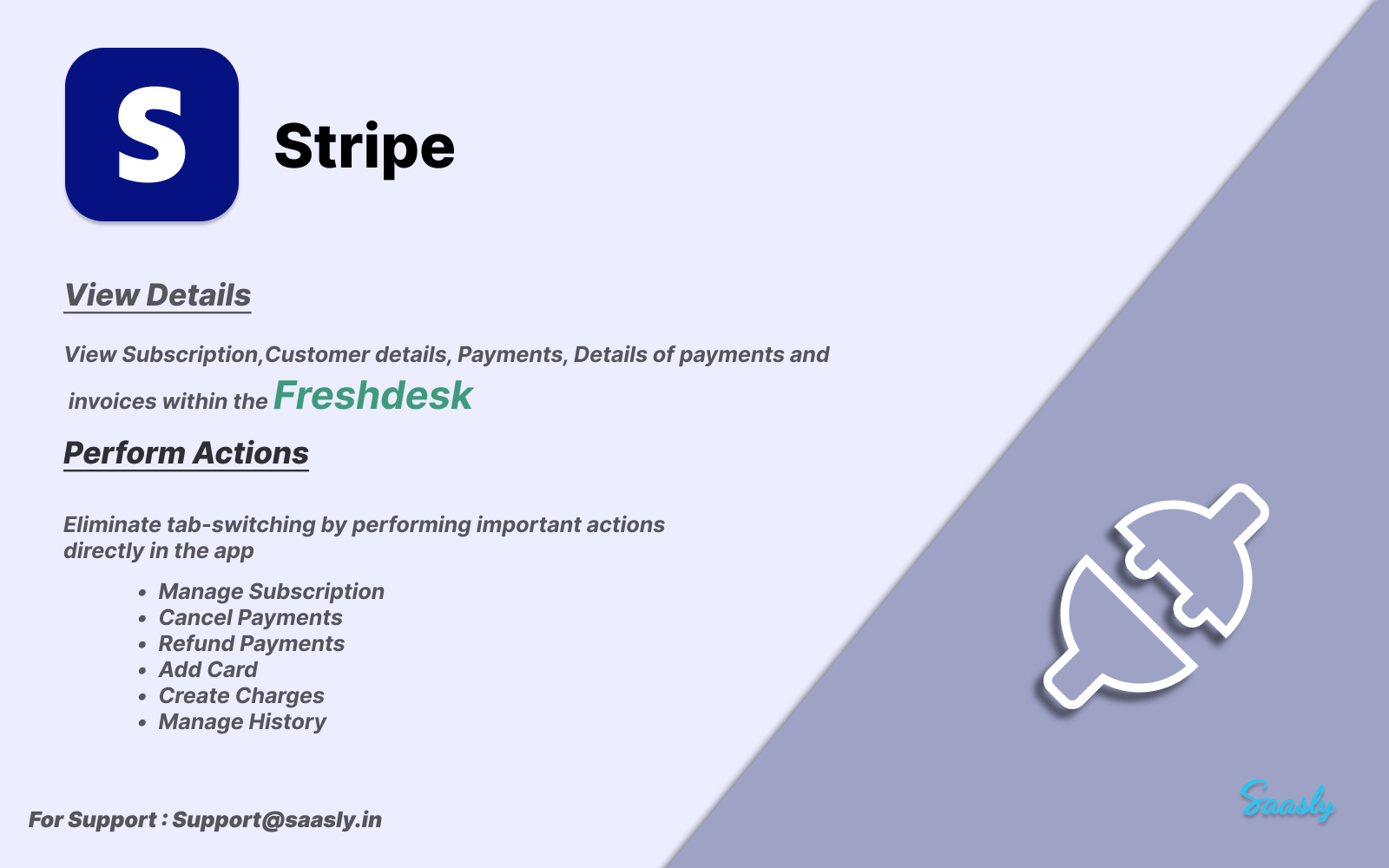
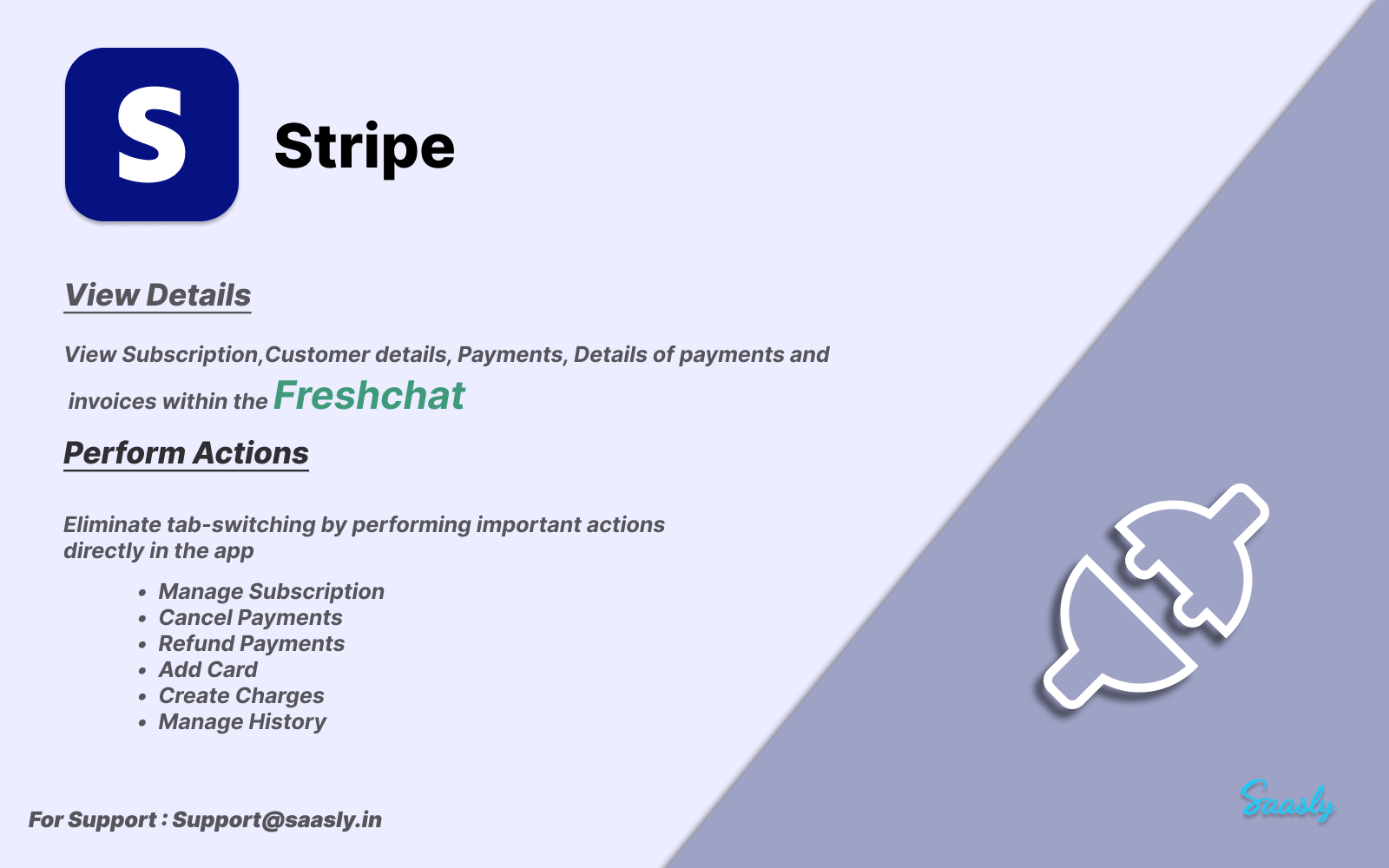
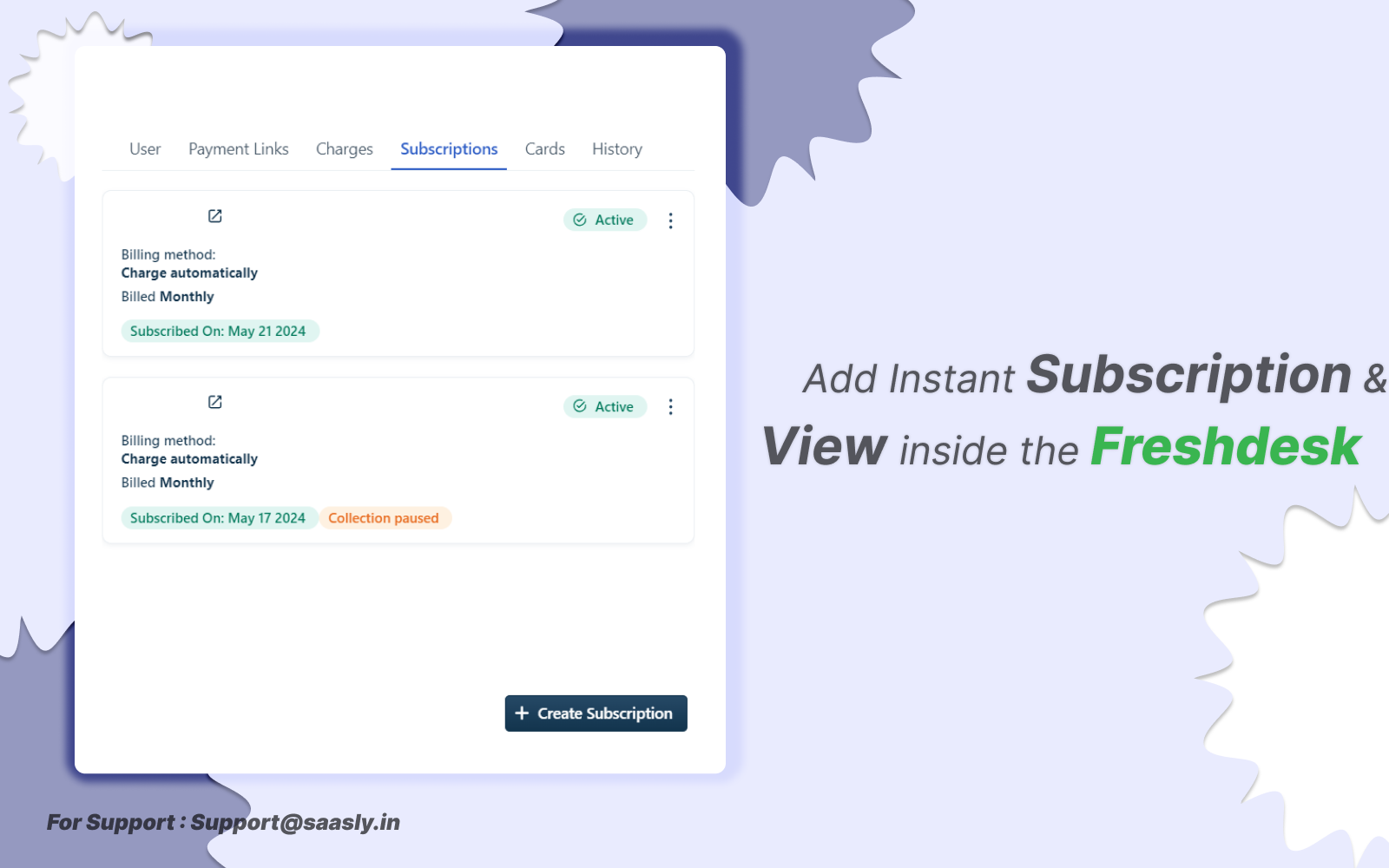
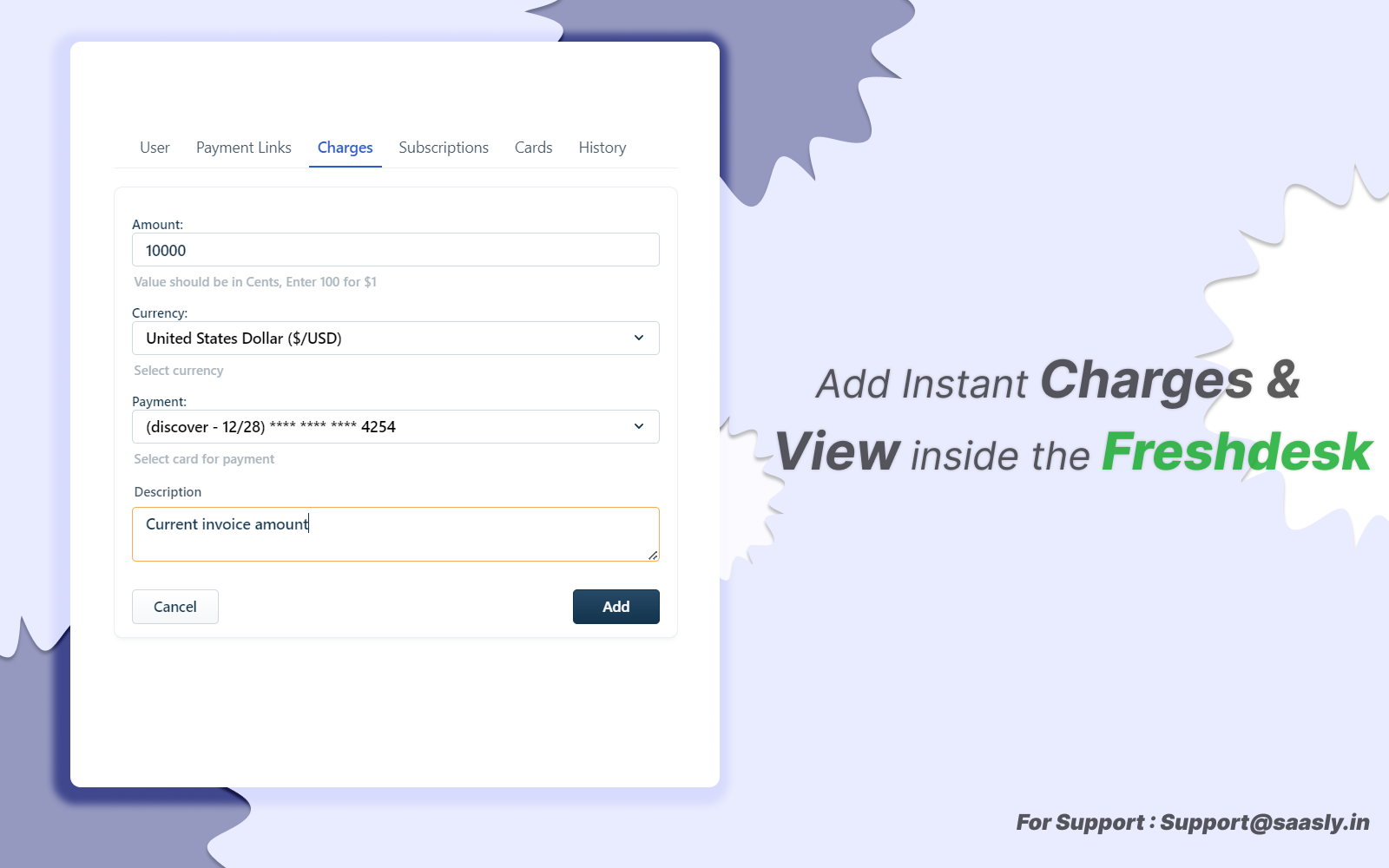
Manage Stripe subscriptions, payments, and invoices within Freshdesk & Freshchat.
PAID
Visit to InstallVerified App
Install Guide:
- Admin Credentials Validation: Before installation, ensure to validate the admin credentials.
- Stripe Tab Navigation: Navigate to the Stripe tab and input the correct Stripe Key and account name.
- Validation Button: Click on the validation button after entering the required details.
- Access Tab Navigation: Proceed to the Access tab.
- Role Assignment: Assign role actions to authorized agents who can perform CRUD operations within the application.
Demo Video:
Screenshot 1:
Screenshot 2:
Screenshot 3:
Screenshot 4:
Screenshot 5:
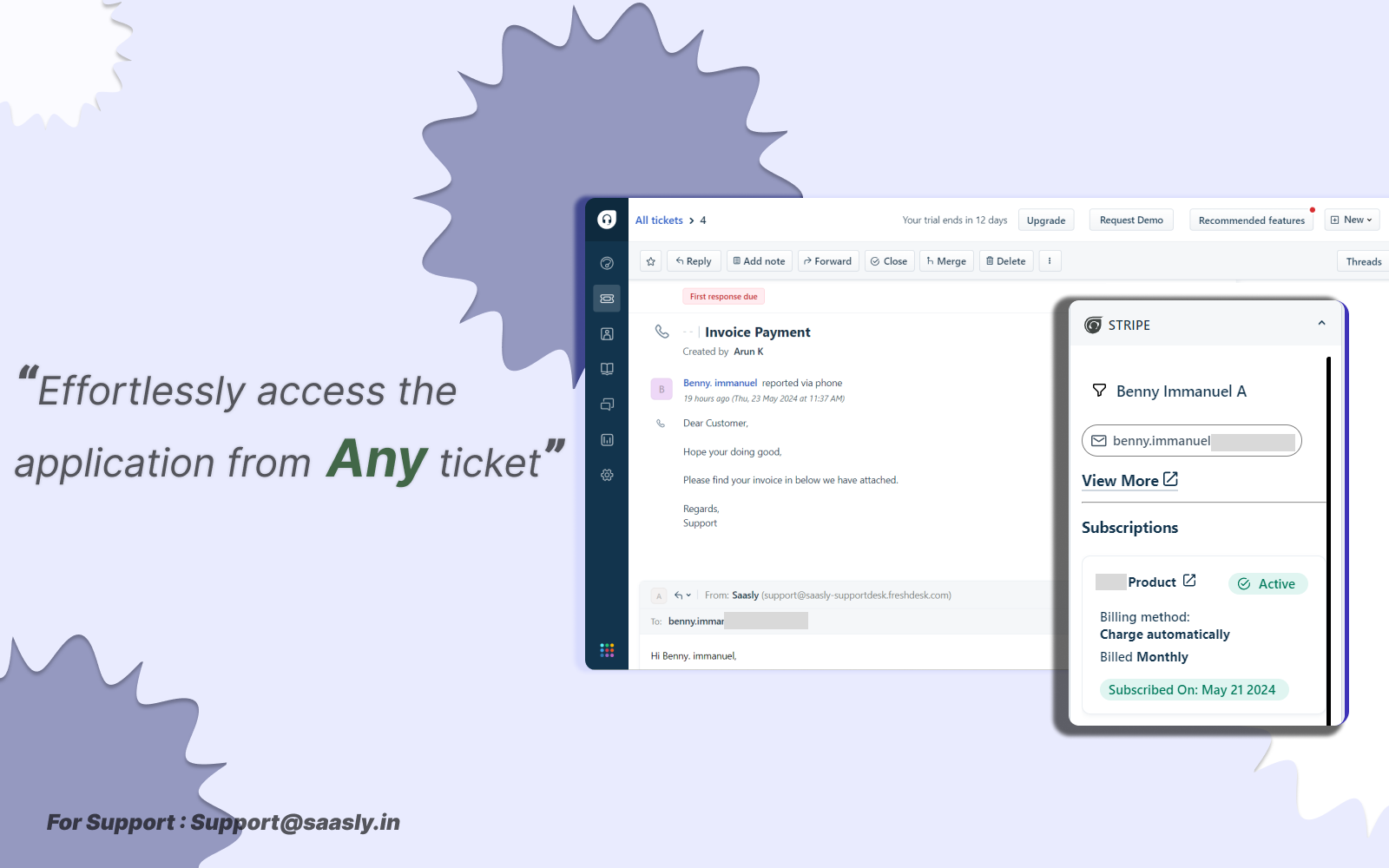
Screenshot 6:
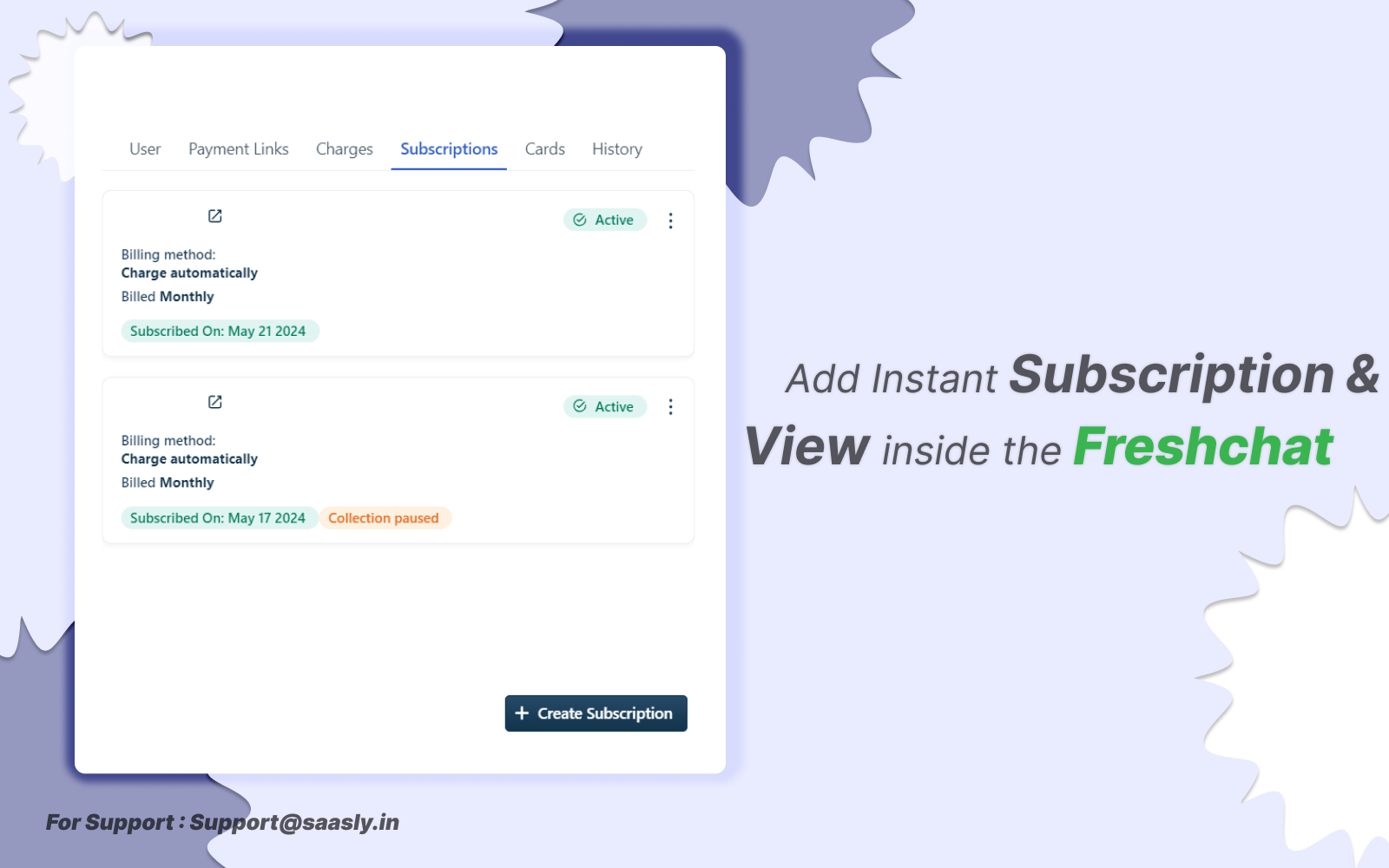
Screenshot 7:
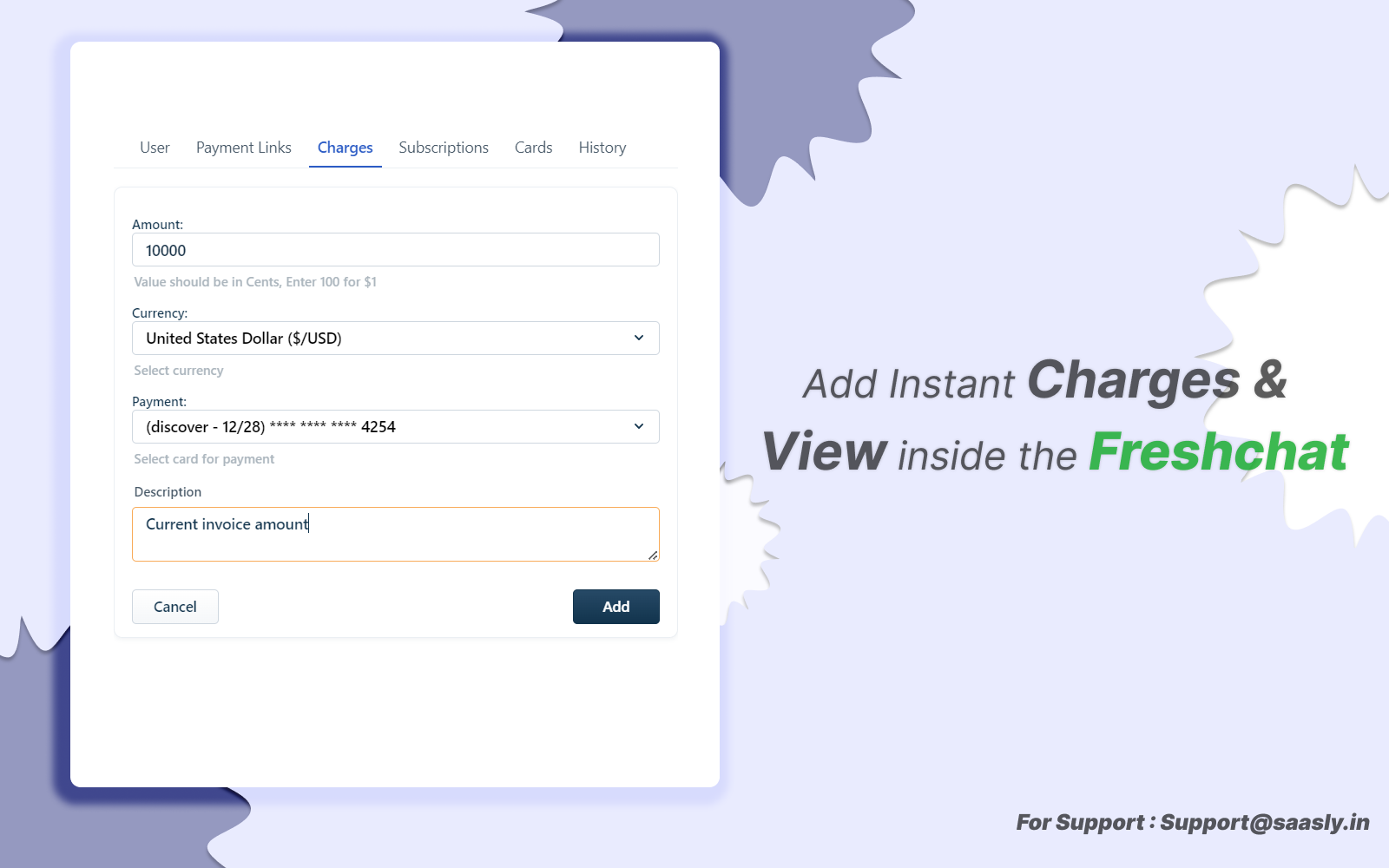
Screenshot 8:
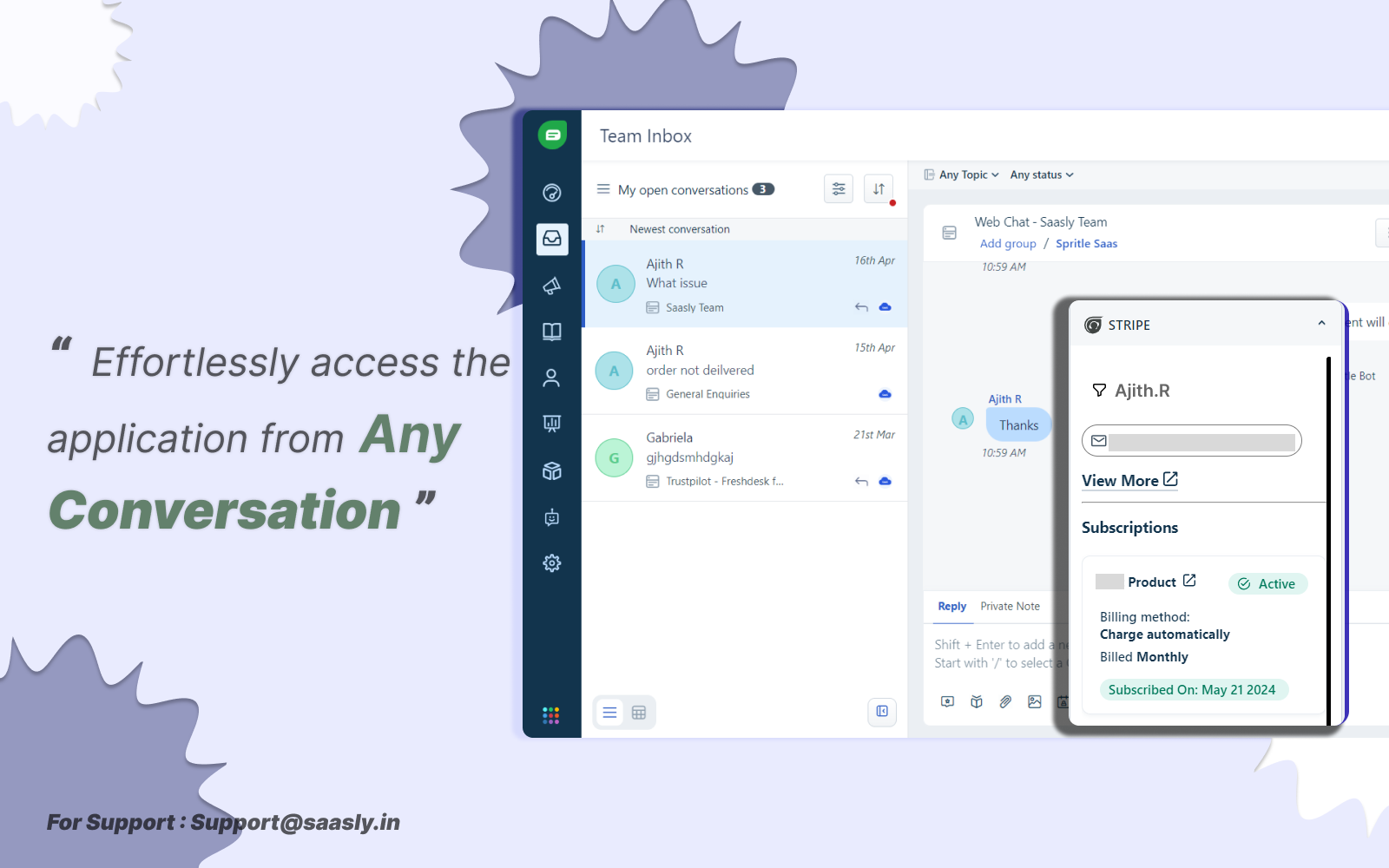
Contact us : For Demo and Support contact us Via Ticket link
About Us :
Saasly is an iPaaS company specializing in crafting plugin applications and integrations tailored to your business requirements. Be sure to visit our website for more information!