
Back

HubSpot CRM Connect PRO by Saasly
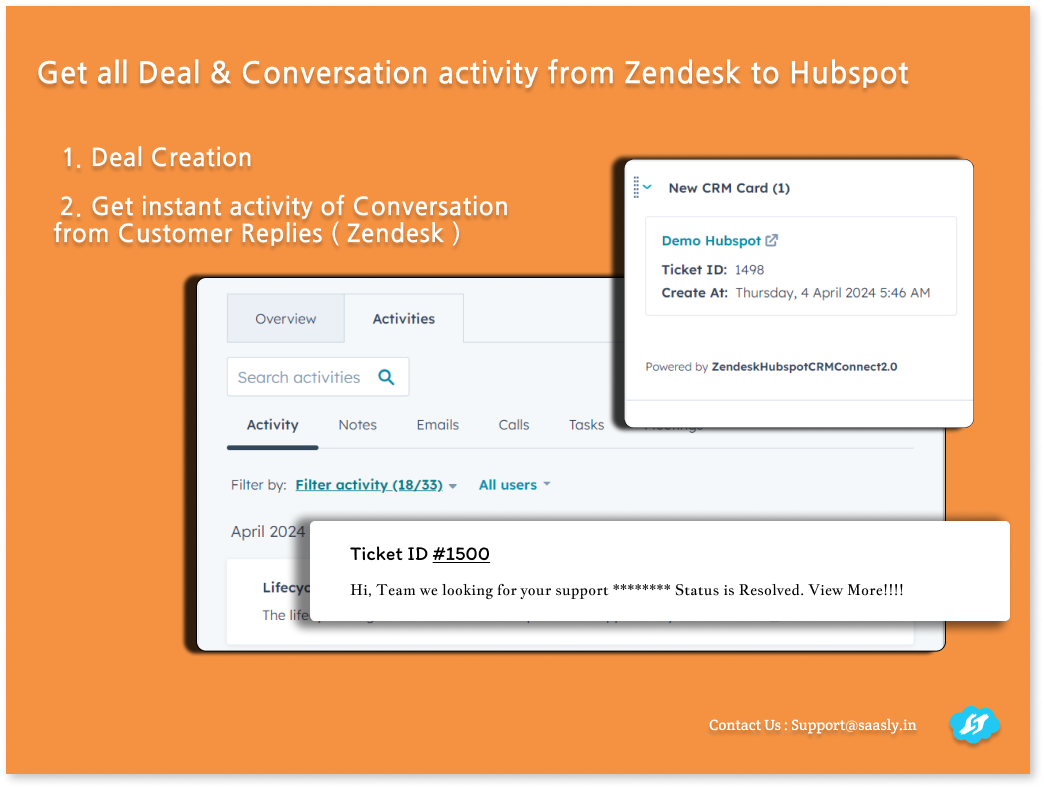
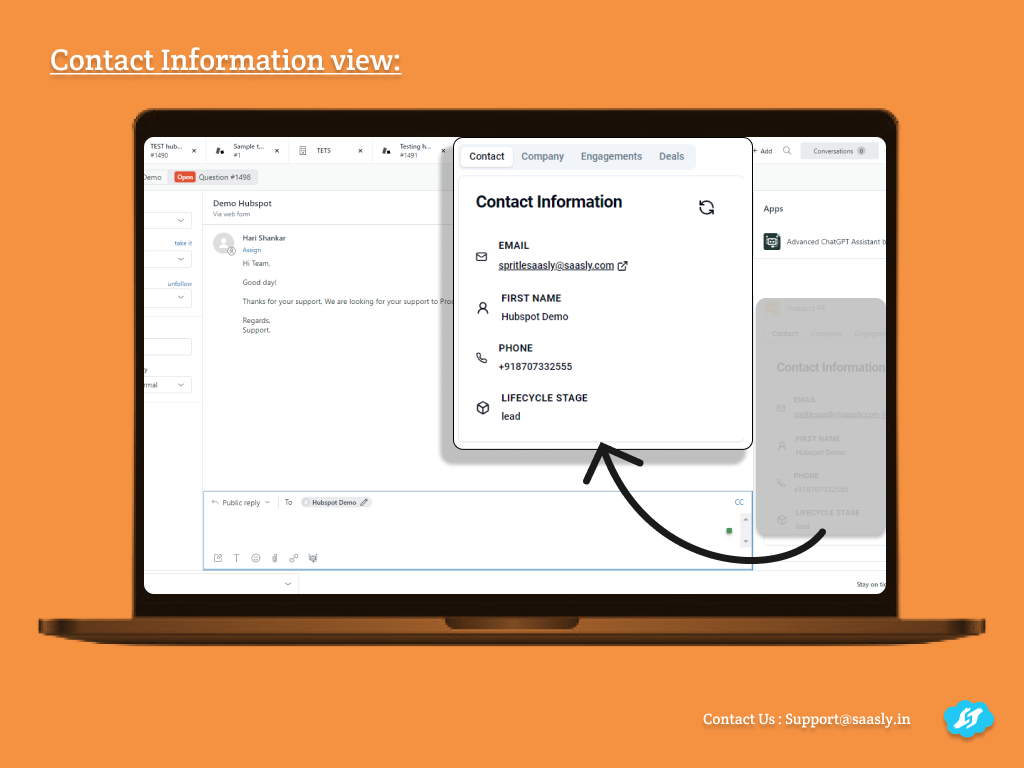
Automatically syncs Zendesk tickets with your HubSpot contacts (Bi-Directional Sync)
PAID
Visit to InstallVerified App
How to install:
- Coupon Code : ( Contact us ) Without a credit card to access the trail period.
- Click the Install Button and Complete the Role Configuration process
- Menu Bar
Click this icon, and a full-page application will be opened.
- Click the Authentication Menu, Click Authenticate Button for Hubspot ( To Connect the Hubspot Account )
- Click the Authenticate Button for Zendesk (to connect the Zendesk account )
- Click on Contact Configuration to enable the Sync process
- Click on Company Configuration to enable the Sync process.
Screenshots: