Back

Base CRM
Fetch customer information from Base CRM and view it within Freshdesk
FREE
Visit to InstallVerified App
How to Install?
App Installation :
Follow these steps to install Base CRM:
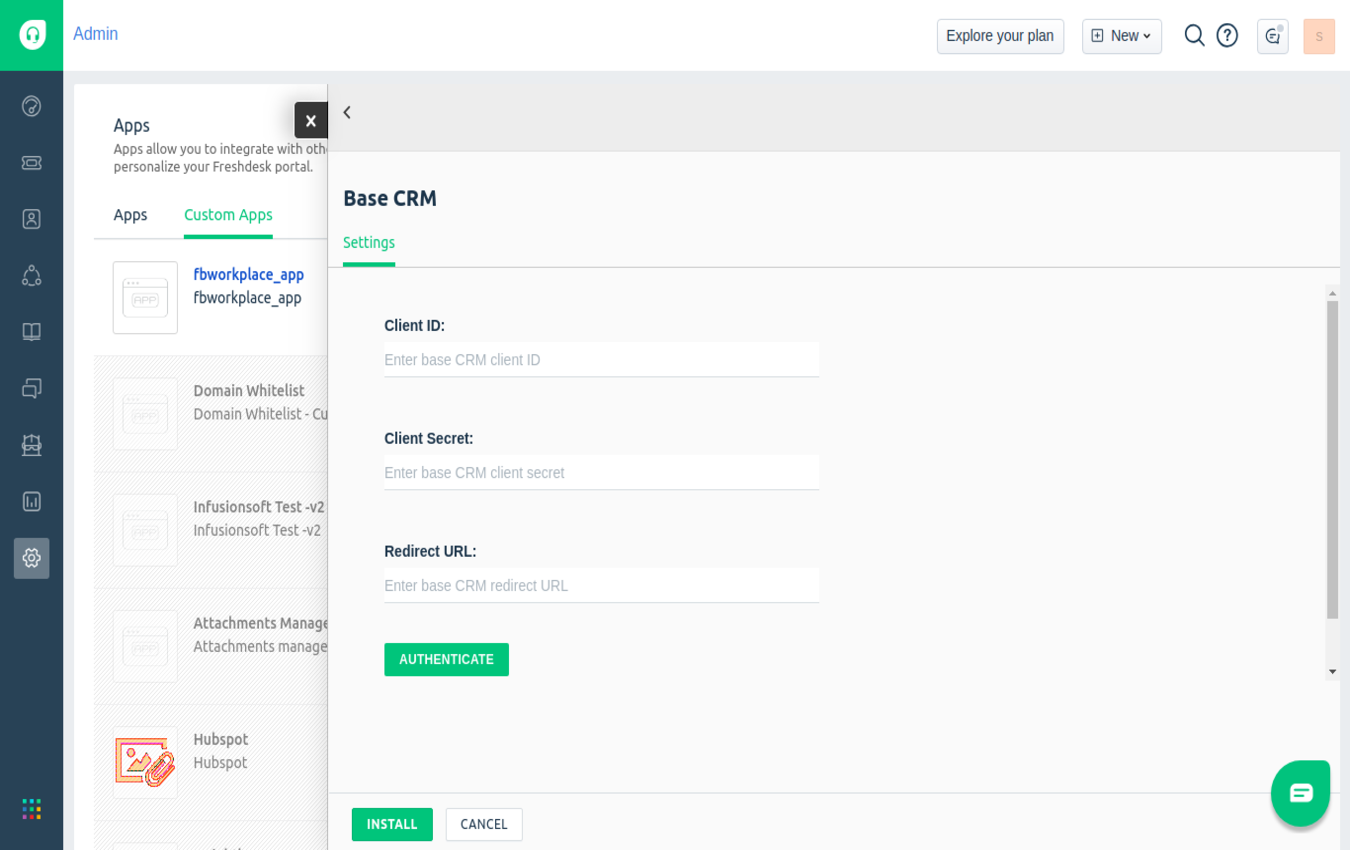
- Click on Install.
- In the first page of installation, you need to enter your Base CRM client_id, client_secret and redirect_url.
- When you click the "AUTHENTICATE" button, you will be redirected to Base CRM login page.
- After successful of your Base CRM login, you need to allow access to read and write of your Base CRM details.
- Then you will be redirected to redirect_url of your Base CRM app.
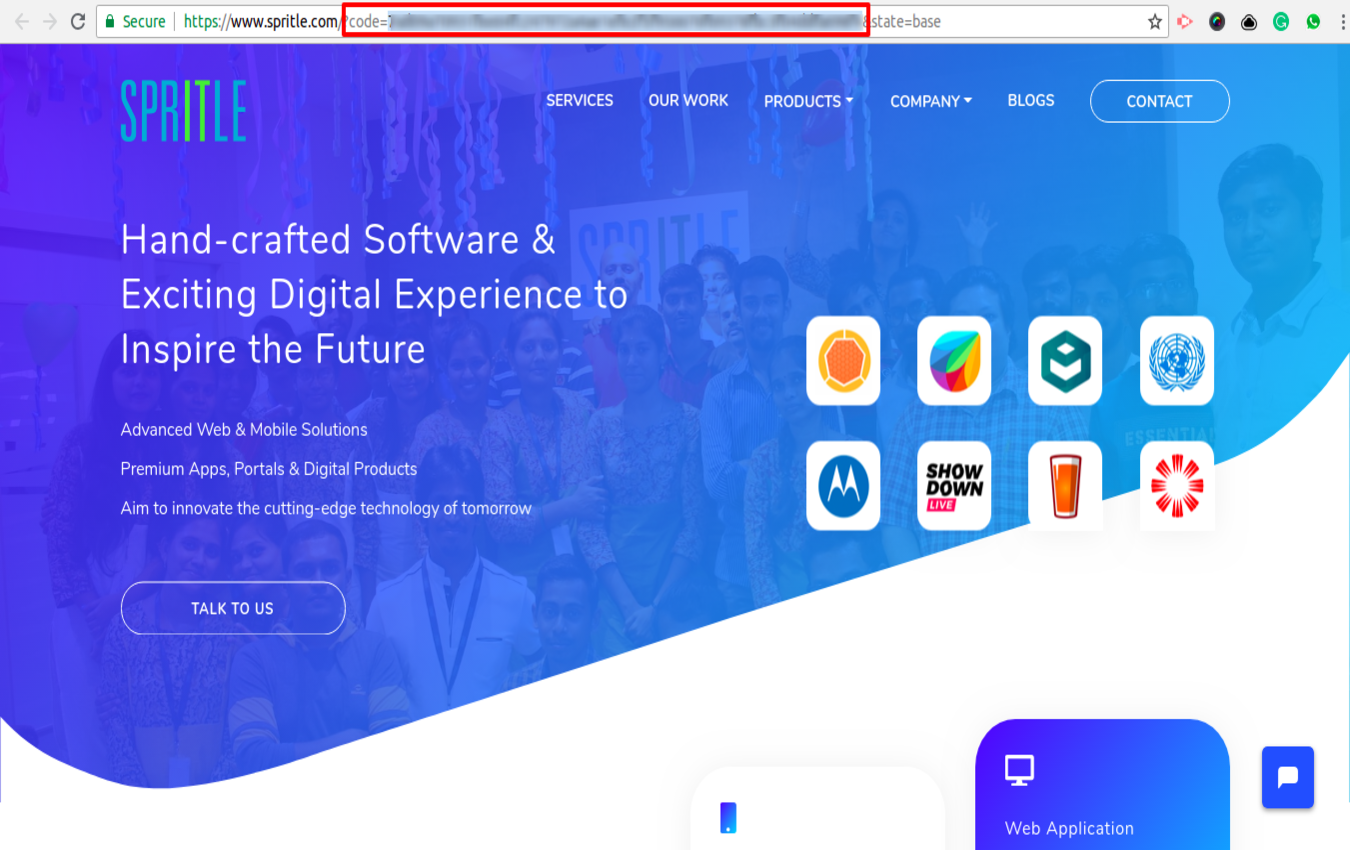
- In that page, you need to copy the code which is located in the address bar(Refer Screenshot-2).
- Paste the copied code in the next installation page and then click "NEXT" button.
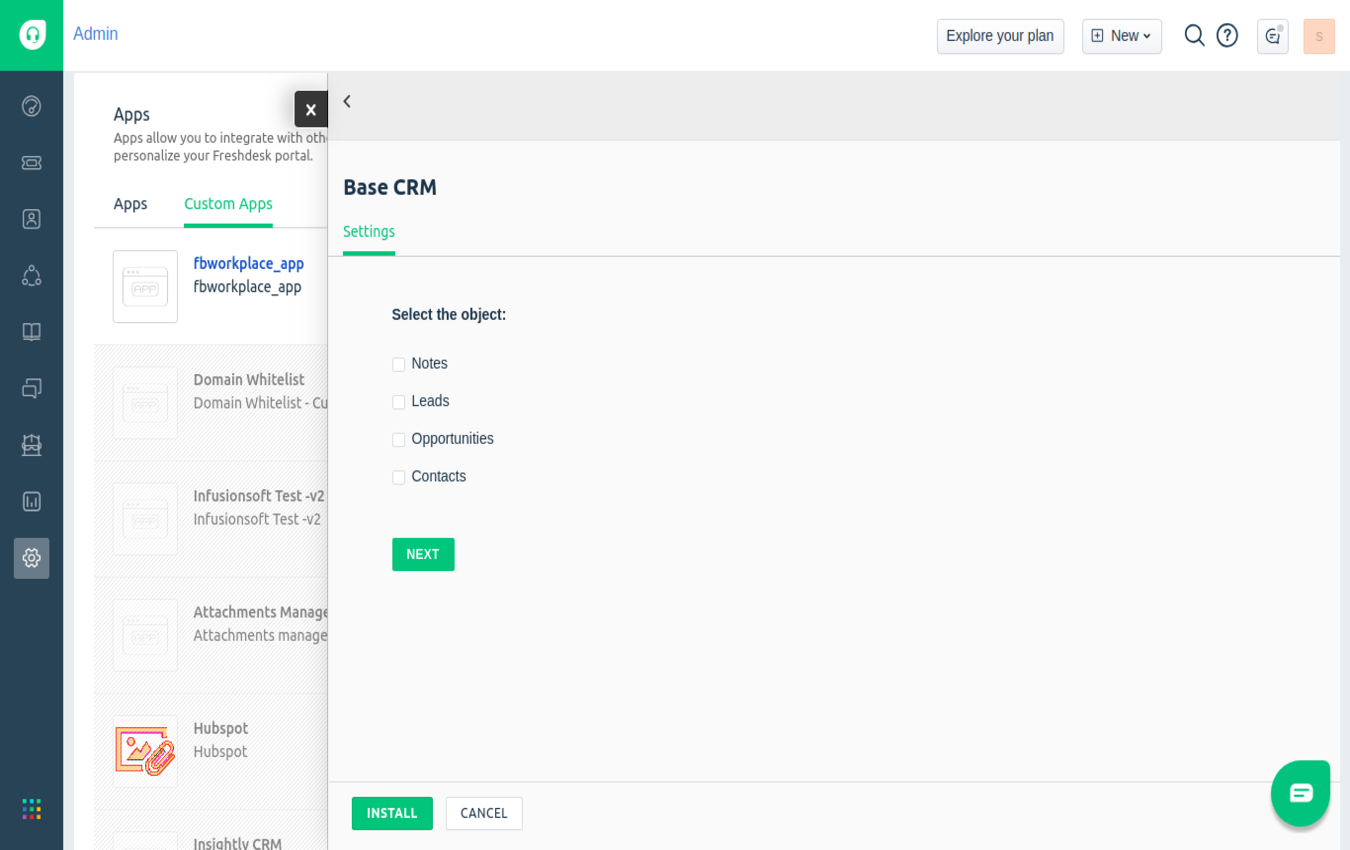
- In the next page, you need to select the objects and click "NEXT" button.
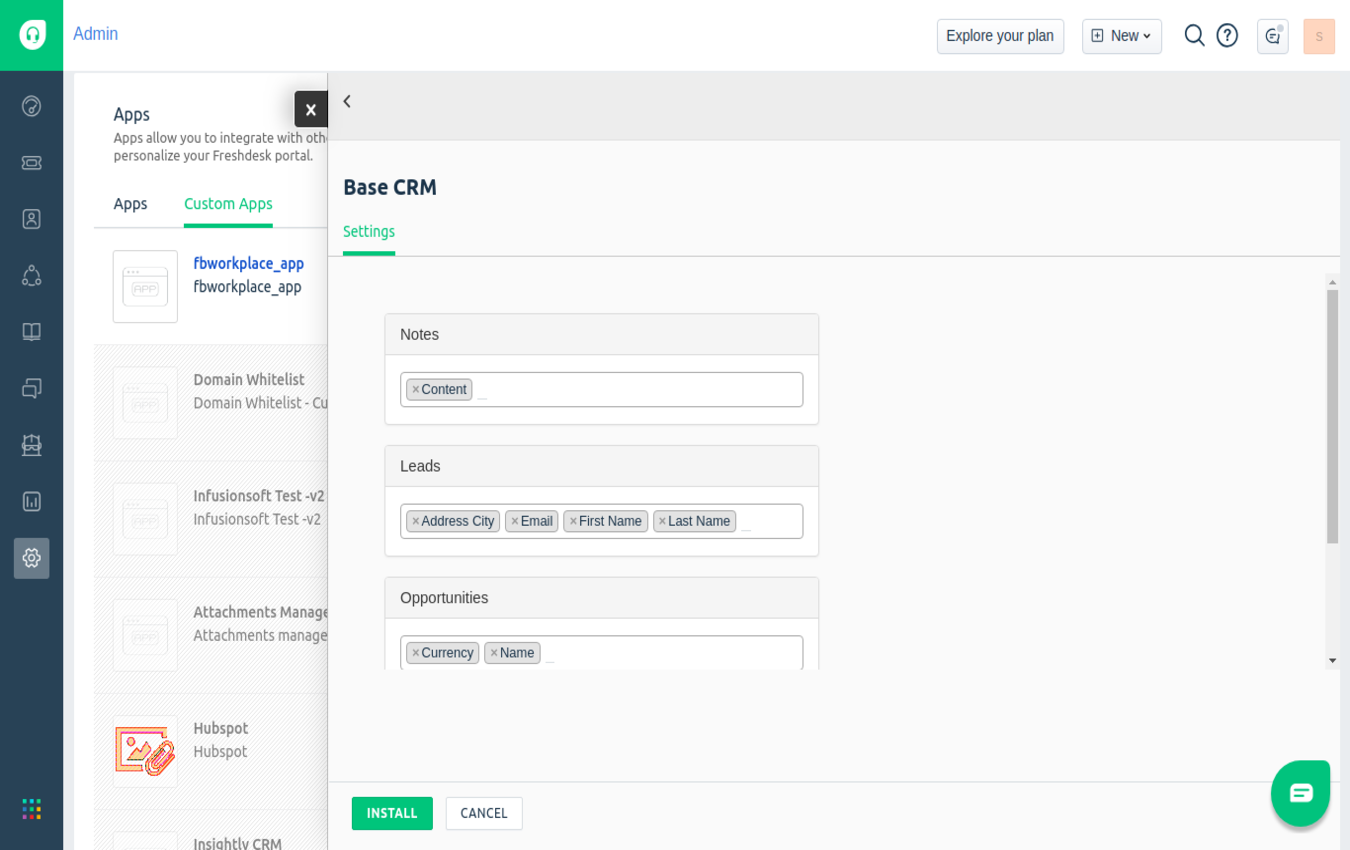
- In the next page, you need to select the object's fields which will be shown in freshdesk and click "INSTALL" button.
- After clicking the "INSTALL" button you have been successfully installed the Base CRM.
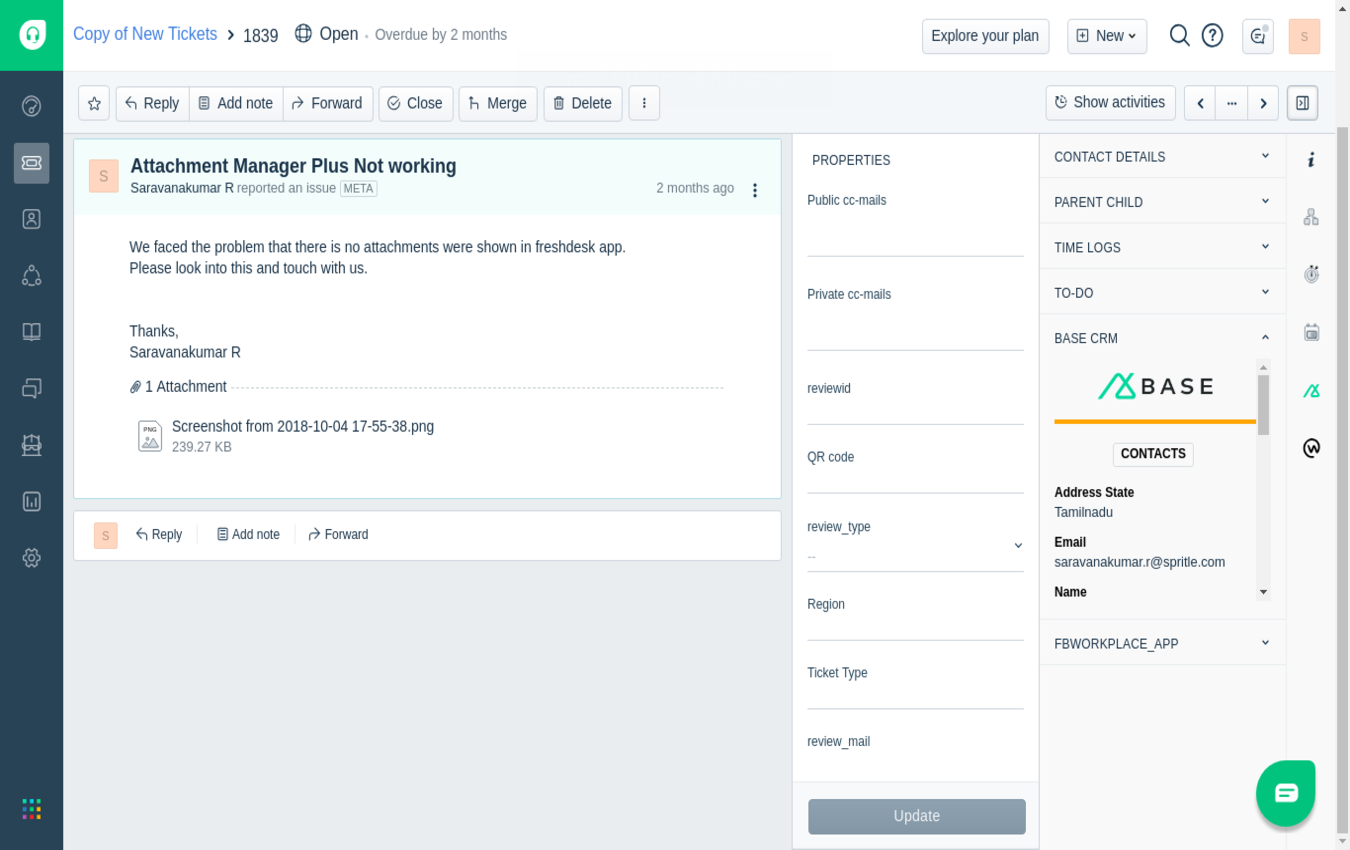
- After successful installation of Base CRM app go to tickets page and then click Base CRM icon(Refer Screenshot-5).