

Back
The Ultimate Guide to Freshdesk Integrations (Part 2): Smarter Ticket Management

Admin
- July 31, 2026
5 min read

Introduction
In Part 1, we explored how Freshdesk Integrations help support teams access CRM, billing, and customer data without leaving Freshdesk. But even with complete customer context, teams still face another challenge: managing tickets efficiently.
Support agents spend time downloading attachments, scheduling follow-ups, reopening conversations, and organizing customer communication. As ticket volumes grow, these repetitive tasks affect productivity and response times.
This is where Saasly Marketplace apps help. They extend Freshdesk with practical features that reduce manual work and help agents stay focused on resolving customer issues.
Why Ticket Management Matters
Support performance is often measured through response time, resolution time, and customer satisfaction. However, a significant amount of work happens behind the scenes:
- Reviewing attachments
- Waiting for updates from other teams
- Scheduling future actions
- Sending planned responses
- Managing reopened tickets
- Keeping queues organized
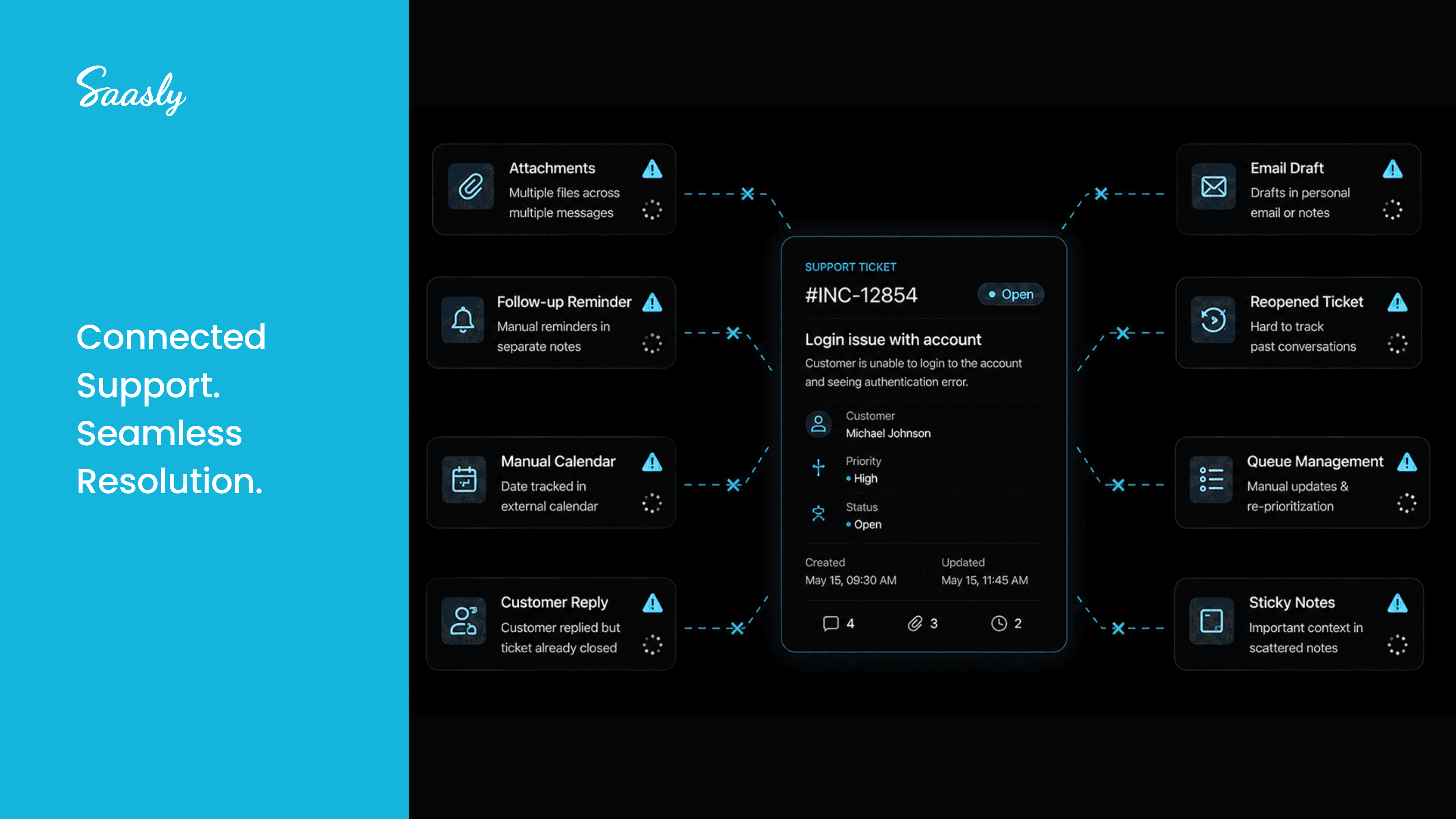
Without the right tools, agents rely on reminders, spreadsheets, and manual processes. Freshdesk Integrations help create a more structured and scalable workflow.
Simplifying Attachment Management
Attachments are essential in customer support, but managing them across long ticket conversations can slow agents down.
Attachment Manager
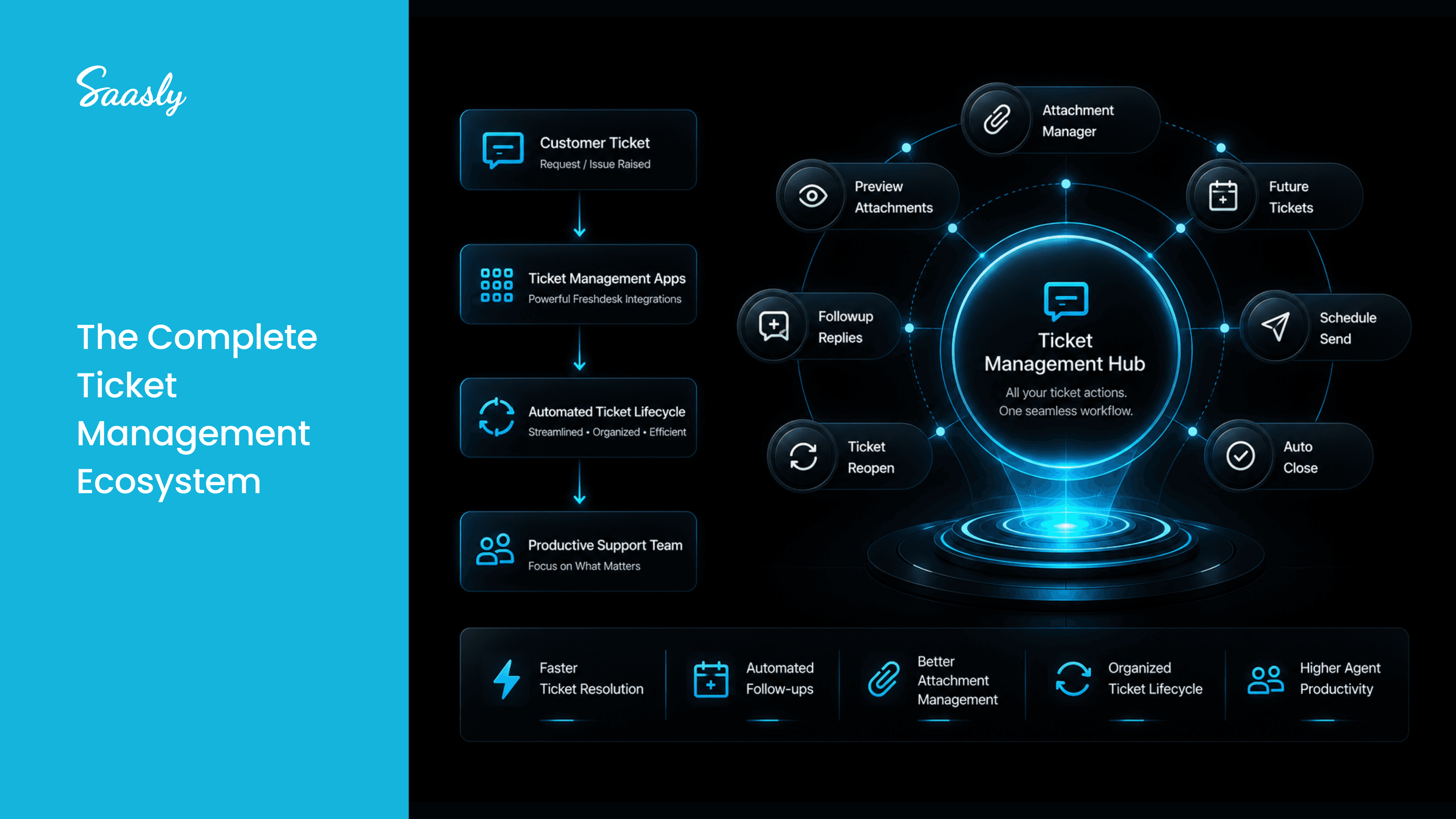
Attachment Manager by Saasly helps agents organize and access ticket attachments more efficiently inside Freshdesk.
Benefits
- Faster file access
- Less time searching through conversations
- Improved ticket investigations
- Better productivity
Learn More: Attachment Manager for Freshdesk
Attachment Manager Plus
For teams handling a large volume of customer files, Attachment Manager Plus provides enhanced attachment management and better organization for enterprise support workflows.
Preview Attachments
Preview Attachments by Saasly lets agents preview supported files directly in Freshdesk before downloading them.
Benefits
- Reduce unnecessary downloads
- Review documents faster
- Keep agents focused inside Freshdesk
Planning Customer Follow-Ups
Not every customer issue can be resolved immediately. Teams often need to follow up after engineering fixes, approvals, or scheduled activities.
Future Tickets
Future Tickets by Saasly allows agents to schedule a new ticket directly from the current ticket.
Agents choose a future date and time, and Freshdesk automatically creates a new ticket with the relevant customer context.
Common Use Cases
- Engineering follow-ups
- Customer onboarding check-ins
- Renewal reminders
- Product update confirmations
- Scheduled Report
Benefits
- Schedule future tickets
- Preserve customer context
- Reduce manual reminders
- Improve planning for long-running cases
Learn More: Future Tickets for Freshdesk
Keeping Ticket Queues Organized
Auto Close
Auto Close by Saasly helps organizations automatically close resolved tickets based on predefined conditions.
Benefits
- Cleaner support queues
- Less manual administration
- Better operational efficiency
- Improved reporting visibility
Ticket Reopen
Ticket Reopen by Saasly helps teams continue customer conversations when a customer replies after a ticket has been resolved.
Benefits
- Maintain ticket history
- Reduce duplicate tickets
- Improve support continuity
- Save agent time
Improving Customer Communication
Schedule Send
Schedule Send by Saasly allows agents to prepare responses in advance and deliver them at a specific date and time.
Benefits
- Schedule customer communications
- Support different time zones
- Reduce manual follow-ups
- Improve communication planning
- Add attachments with additional support
Followup Replies
Followup Replies by Saasly helps agents send structured follow-up responses during longer support cases.
Benefits
- Keep customers informed
- Improve transparency
- Create consistent communication
- Improve customer satisfaction
How These Apps Work Together
A typical workflow might look like this:
- A customer uploads screenshots and logs.
- Agents review them using Preview Attachments.
- Files remain organized through Attachment Manager.
- If engineering needs more time, the agent schedules a follow-up using Future Tickets.
- The customer update is prepared with Schedule Send.
- If the customer replies later, Ticket Reopen continues the conversation.
- Once fully resolved, Auto Close keeps the queue organized.
Instead of relying on spreadsheets and reminders, the entire workflow stays inside Freshdesk.
Why Businesses Choose Saasly Marketplace Apps
Saasly develops Marketplace apps for Freshworks, Zendesk, and Zoho that help organizations improve customer support operations without custom development.
Businesses use Saasly apps to:
- Improve agent productivity
- Reduce repetitive work
- Organize customer information
- Simplify ticket management
- Improve communication planning
- Maintain cleaner support operations
Explore all apps: saasly.in/apps
Conclusion
Great customer support isn't only about resolving tickets quickly. It's also about managing the entire ticket lifecycle efficiently.
From attachments and follow-ups to communication and queue management, the right Freshdesk Integrations help teams eliminate repetitive work and stay organized from start to finish.
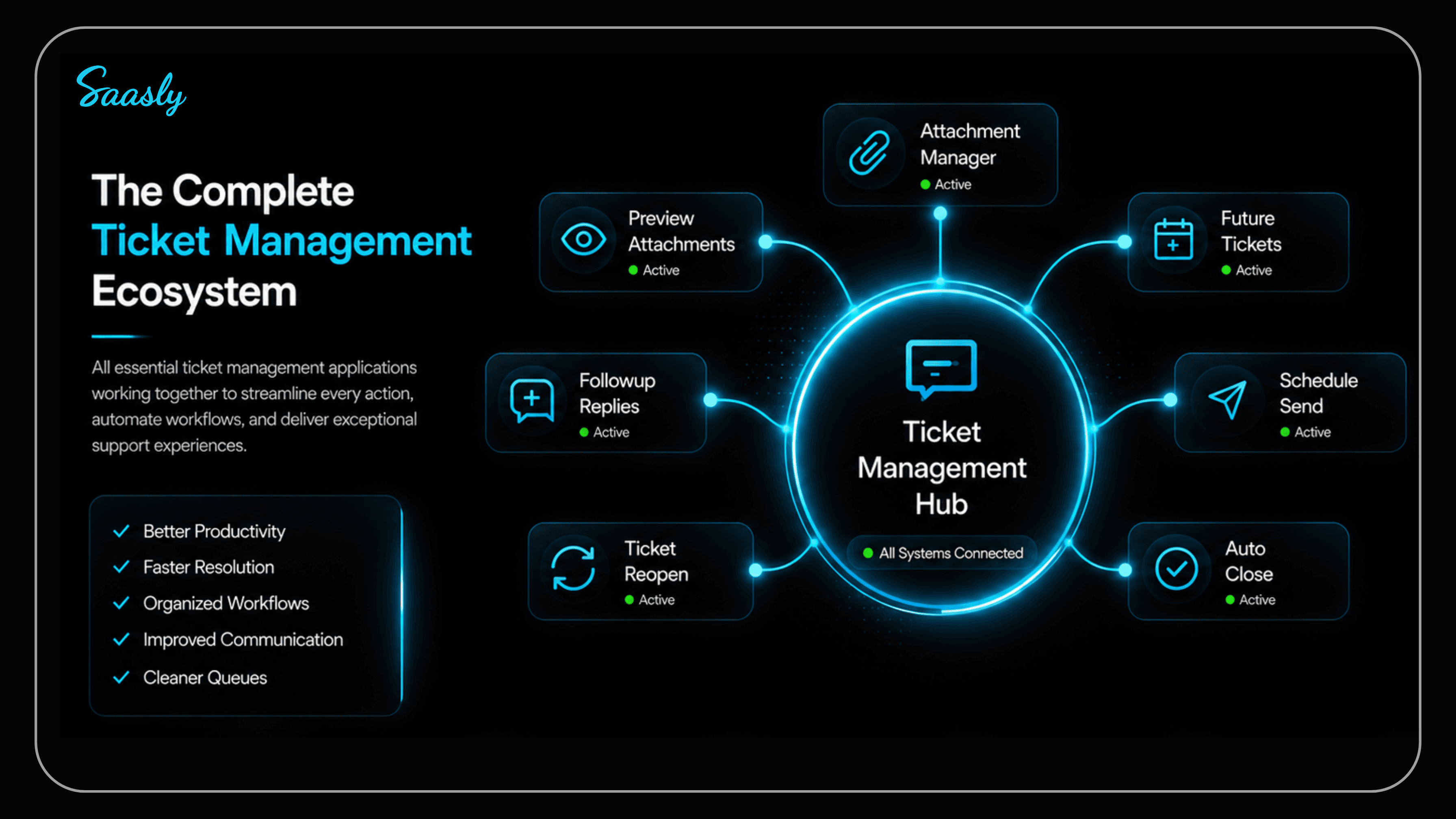
With Saasly Marketplace apps, businesses can extend Freshdesk with practical tools that improve productivity while helping agents focus on delivering better customer service.
Continue Reading in Part 3
In Part 3, we'll explore Freshdesk integrations for customer engagement and reputation management, including Google My Business, Trustpilot, Apple App Store, Google Play Store, and YouTube.
Stay tuned for Part 3!