Back

Freshservice & Monday.com Integration
Sync your SR, Incidents(tickets)/ticket updates/conversations into items on Monday & Freshservice
FREE
Visit to InstallVerified App
How to Install?
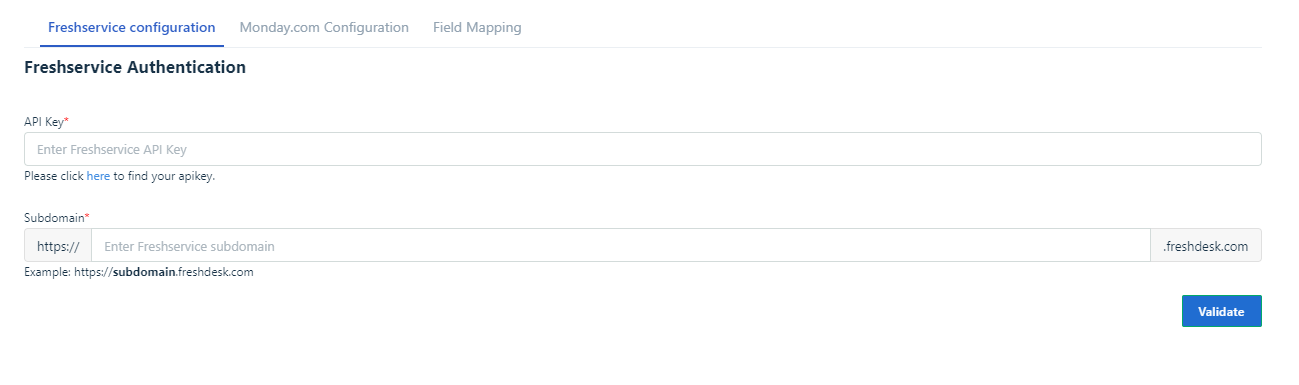
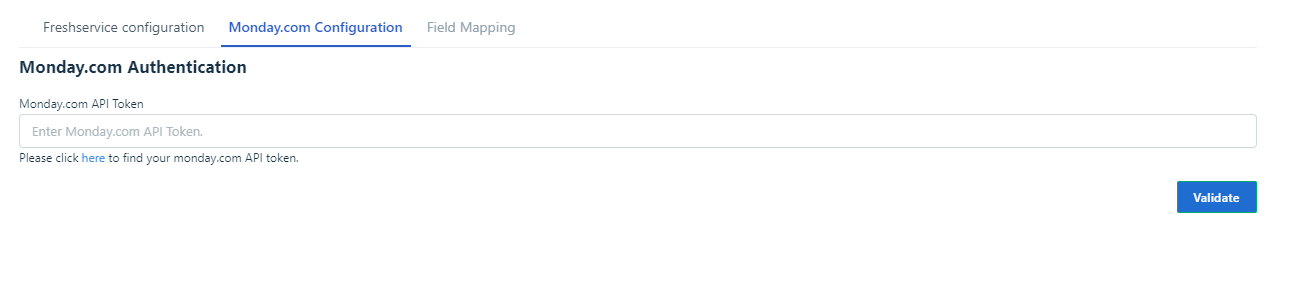
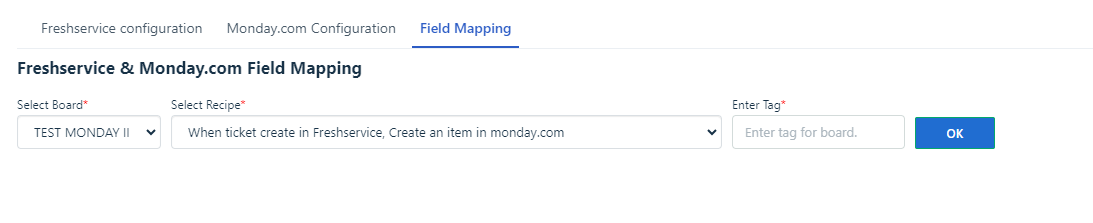
- After successfully installing the app,
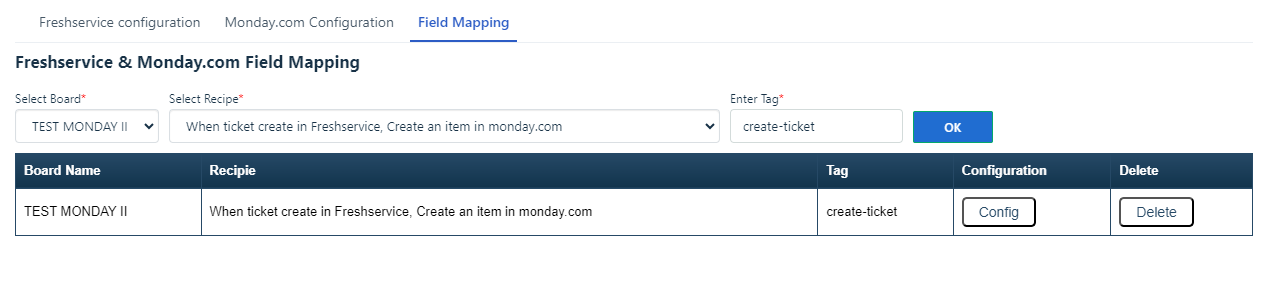
- Example: Imagine End user have configured a specific recipe. In this scenario, when a ticket is created in Freshservice, an item is automatically generated on Monday.
- However, for the ticket to be created on Monday, it must be tagged with the label you have specified on the settings page. This prerequisite applies to ticket creation; similarly, for each recipe configuration, the relevant tags should be added.
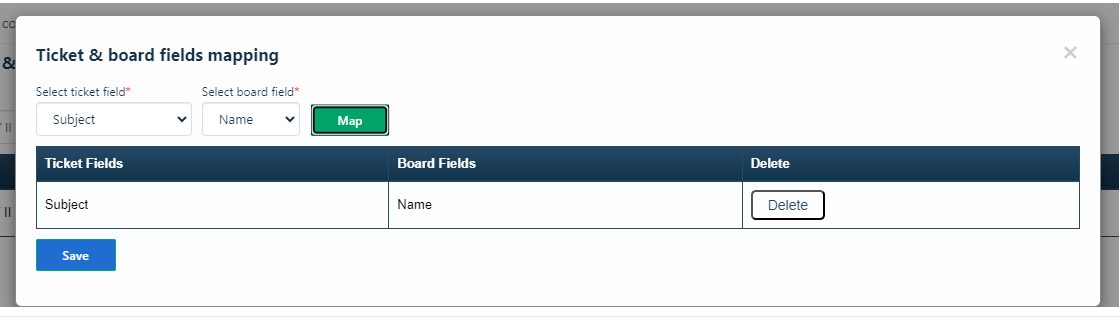
- "monday.com's 'Name' field supports the integration of the following ticket fields:
- Subject
- Description
- Text
- Paragraph
- The 'Color' field in monday.com is compatible with the following ticket fields:
- Ticket type
- Priority
- Status
- For the 'Link' field in monday.com, it accommodates the following ticket field:
- Ticket ID
- Lastly, the 'Text' field in monday.com can be linked to these ticket fields:
- Requester
- Customer
- Description
- Text"
Note:
- Upon uninstalling the app, the end user should proceed to delete the corresponding webhooks in monday.com that are associated with the boards.
- In the case of the ticket creation recipe, it is essential to include the automation rule as part of the process(If the ticket creates from the email).
Demo video: