
Back

Hubspot CRM for Freshcaller
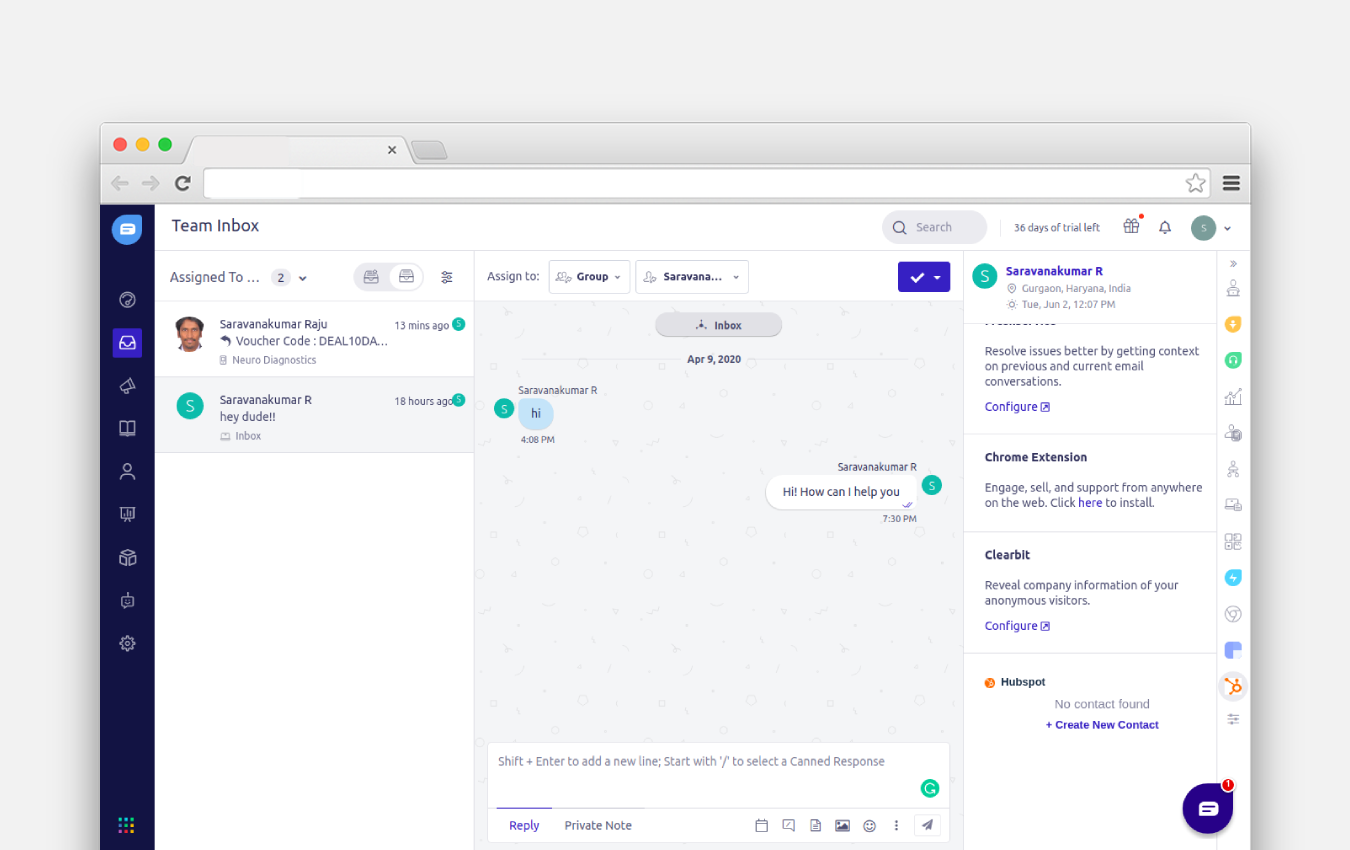
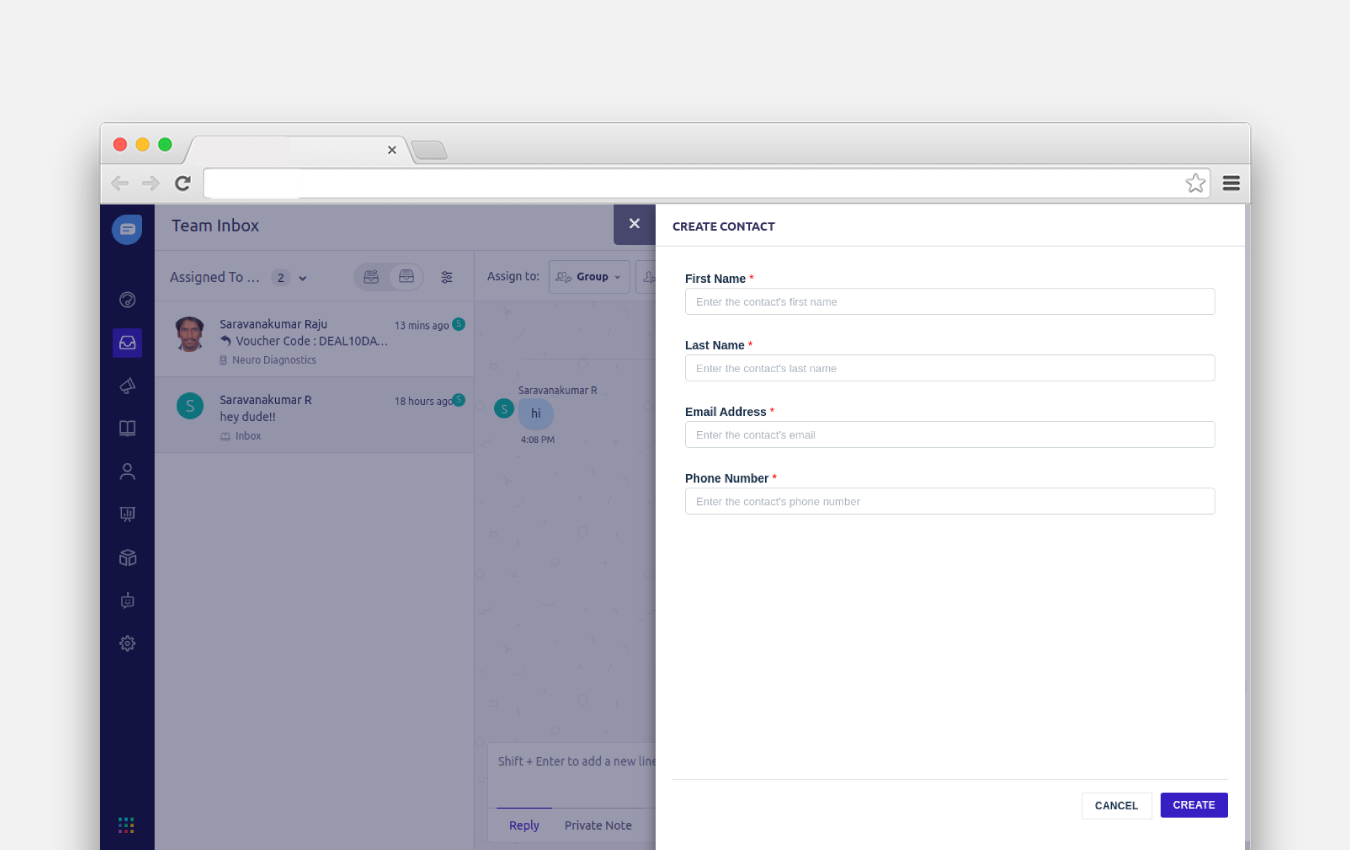
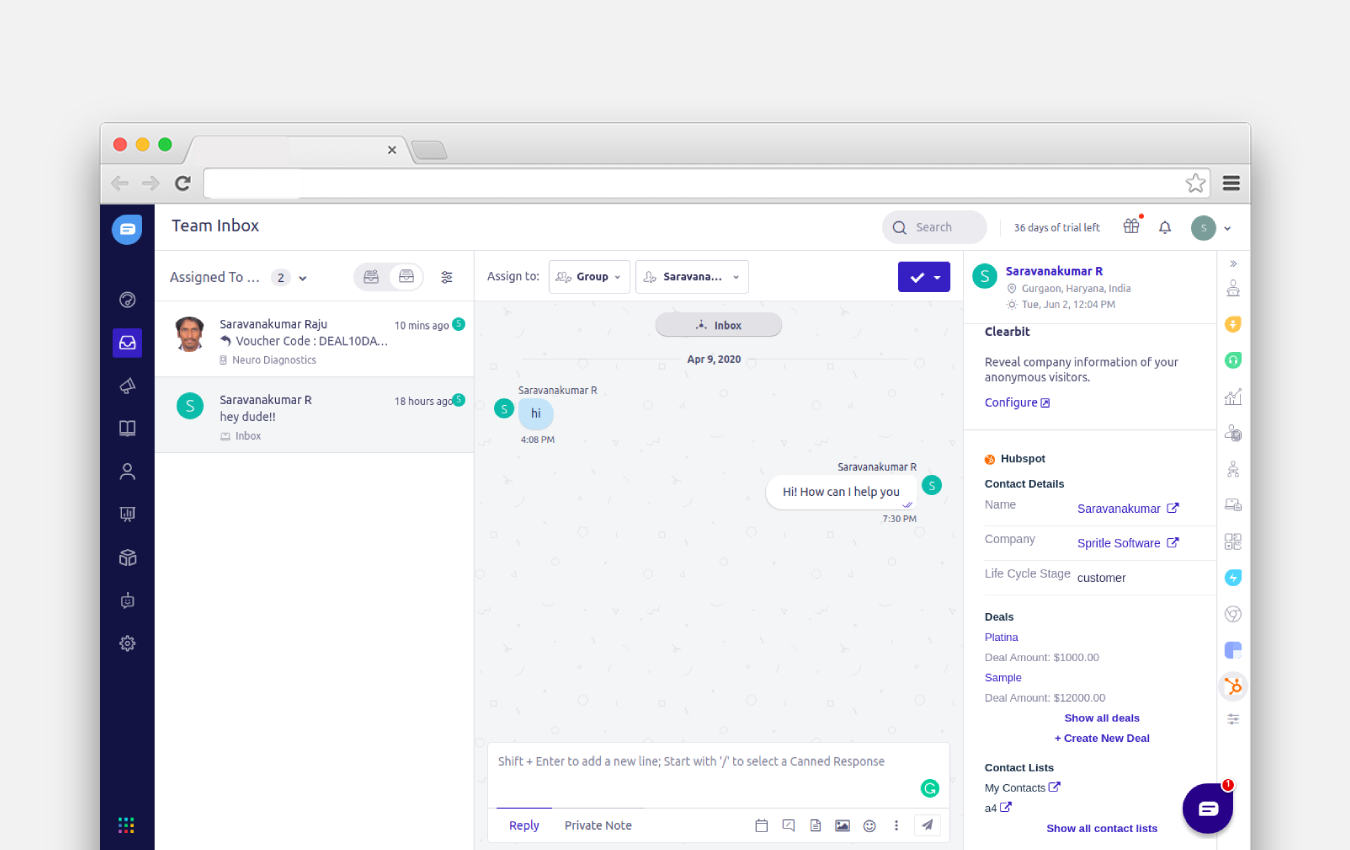
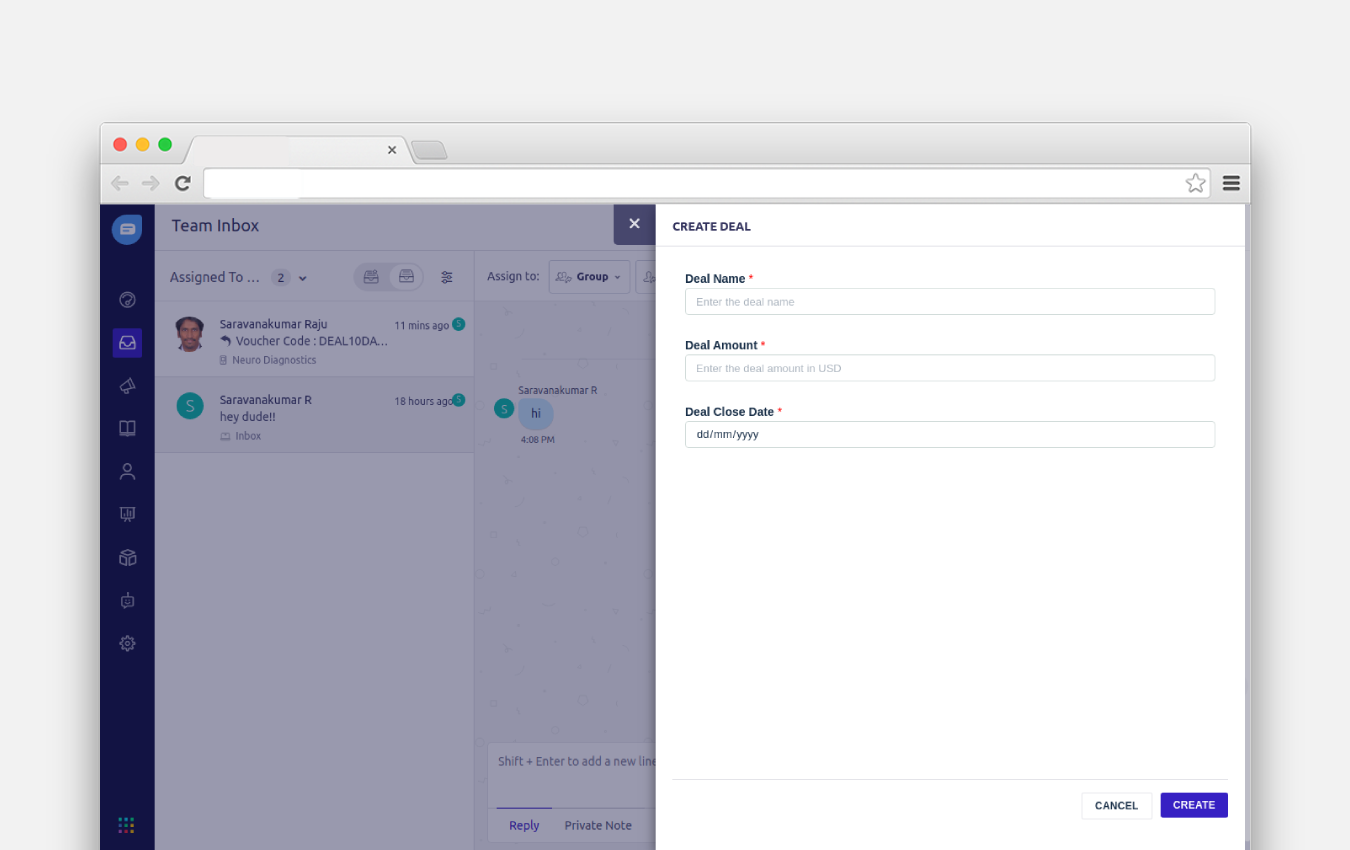
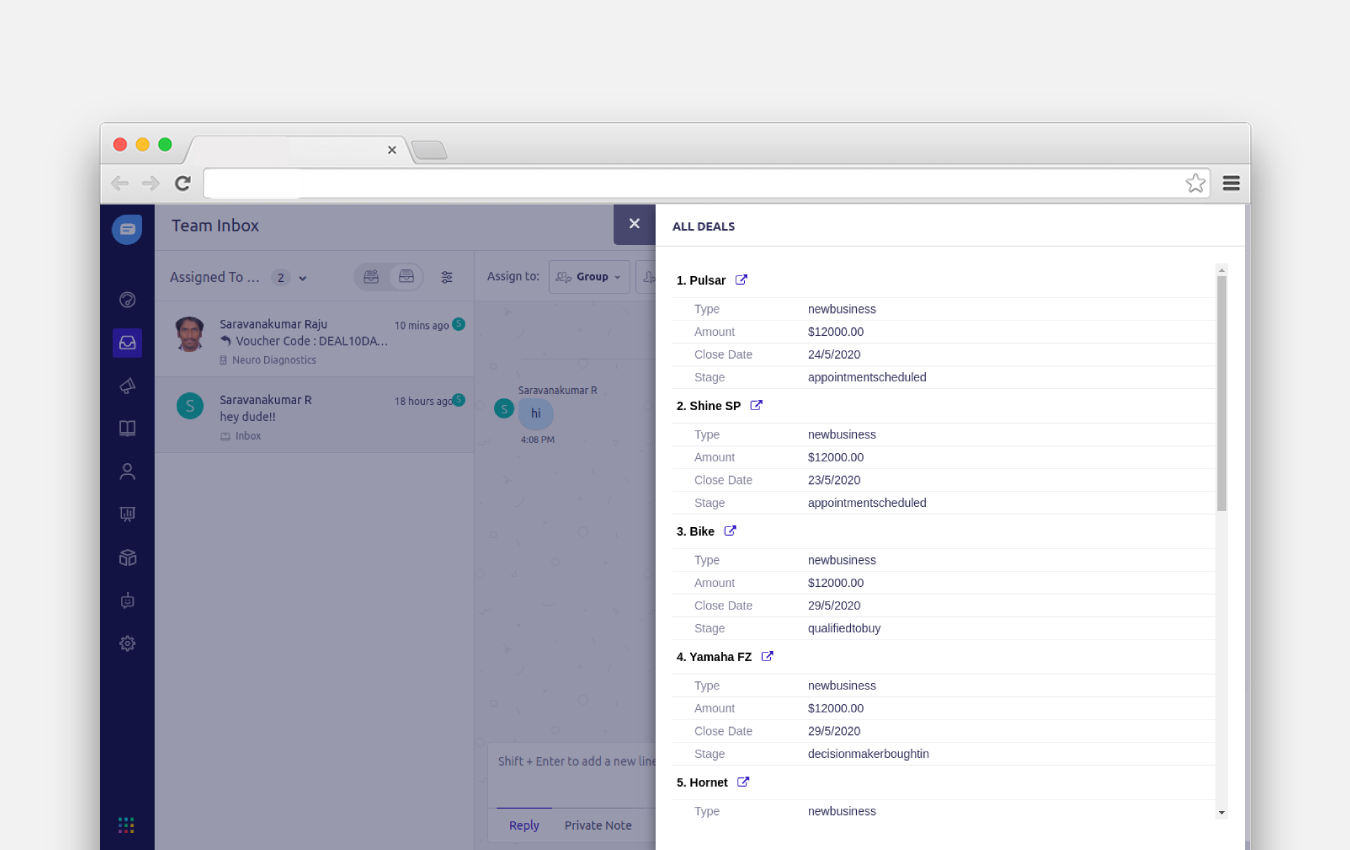
Integrating Hubspot with Freshcaller keeps your support and sales teams up to date.
FREE
Visit to InstallVerified App
How to Install?
After clicking on the install of the “Hubspot CRM” app, you will be redirected to the Hubspot page where you need to authenticate with your Hubspot account.
Once you are successfully authenticated with your Hubspot account, you will be redirected to the Freshdesk Contact Center settings page.
After this, you have to enter Freshdesk Contact Center credentials and validate, then you will be able to configure the settings of the app and click Save the configuration to save the settings and click install to add the app to your Freshdesk Contact Center account.
You are now good to go!