

Back

Google Maps Address Assistant for Zoho CRM
Google Maps Address Assistant for Zoho CRM enables fast, accurate address entry with Google Maps autocomplete and map-based location selection, automatically populating CRM records with verified address details.I prefer this response
PAID
Visit to InstallVerified App
Setup Guide:
Prerequisites
Before using the extension, you must create a Google Places API key.
Step 1: Create a Google Cloud Project
Create a Google Cloud project and enable the Google Places API.
Step 2: Generate an API Key
Generate a Google Places API key from the Google Cloud Console.
Step 3: Configure the Extension
- Open the extension settings page.
- Enter your Google Maps API Key.
- Save the configuration.
Usage
- Open a supported Zoho CRM module.
- Open a record.
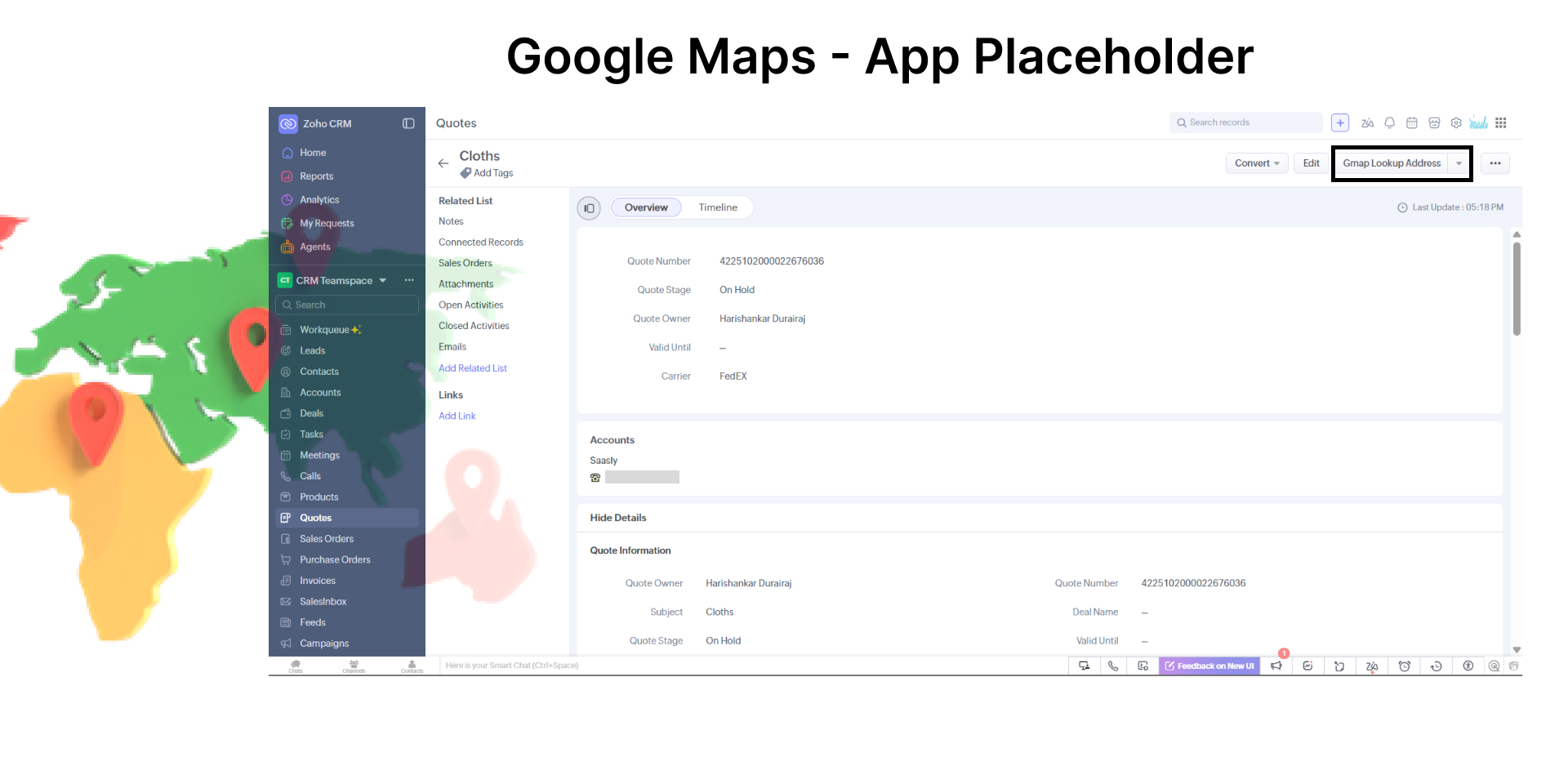
- Click the Google Address Assistant button.
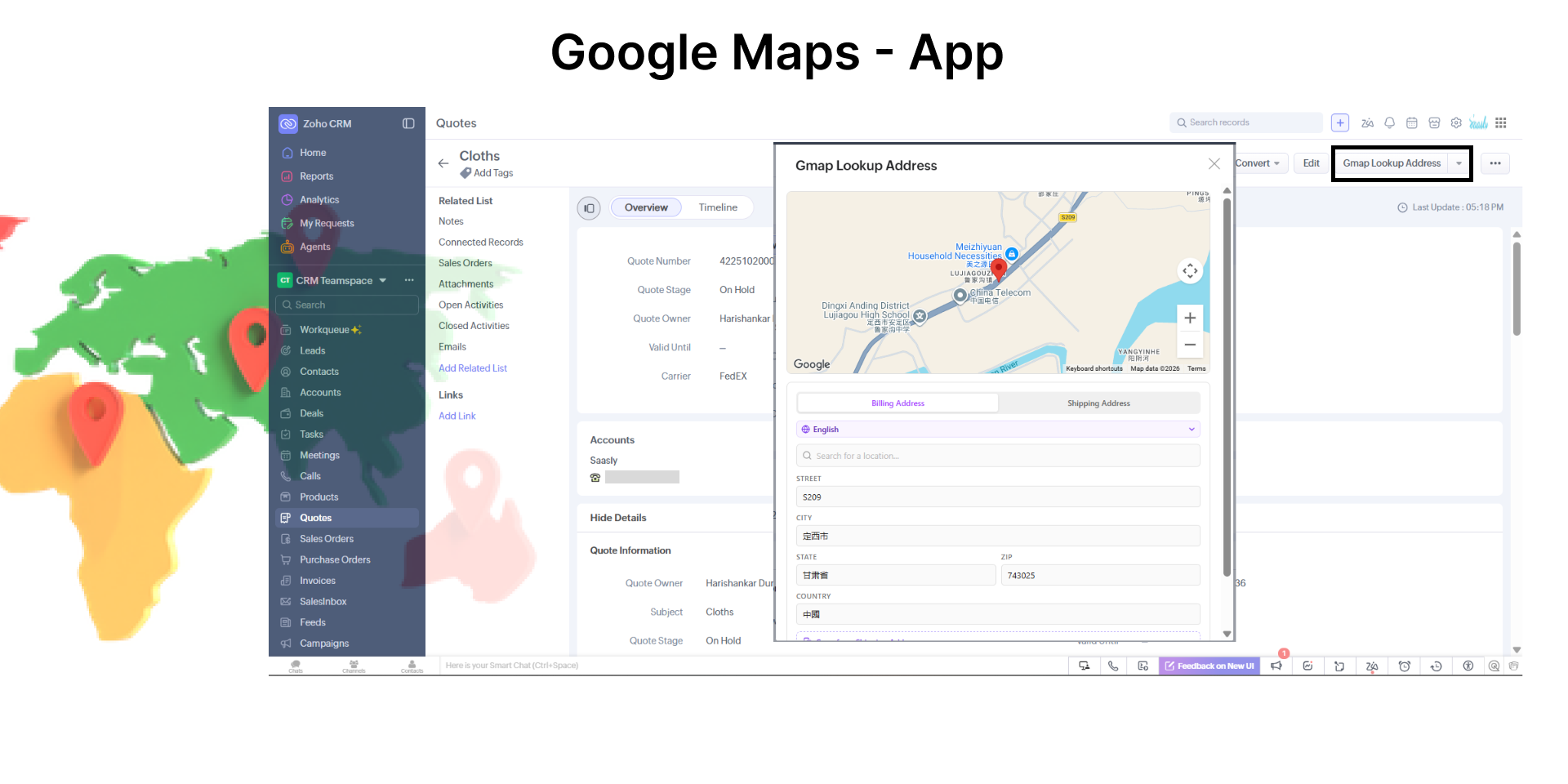
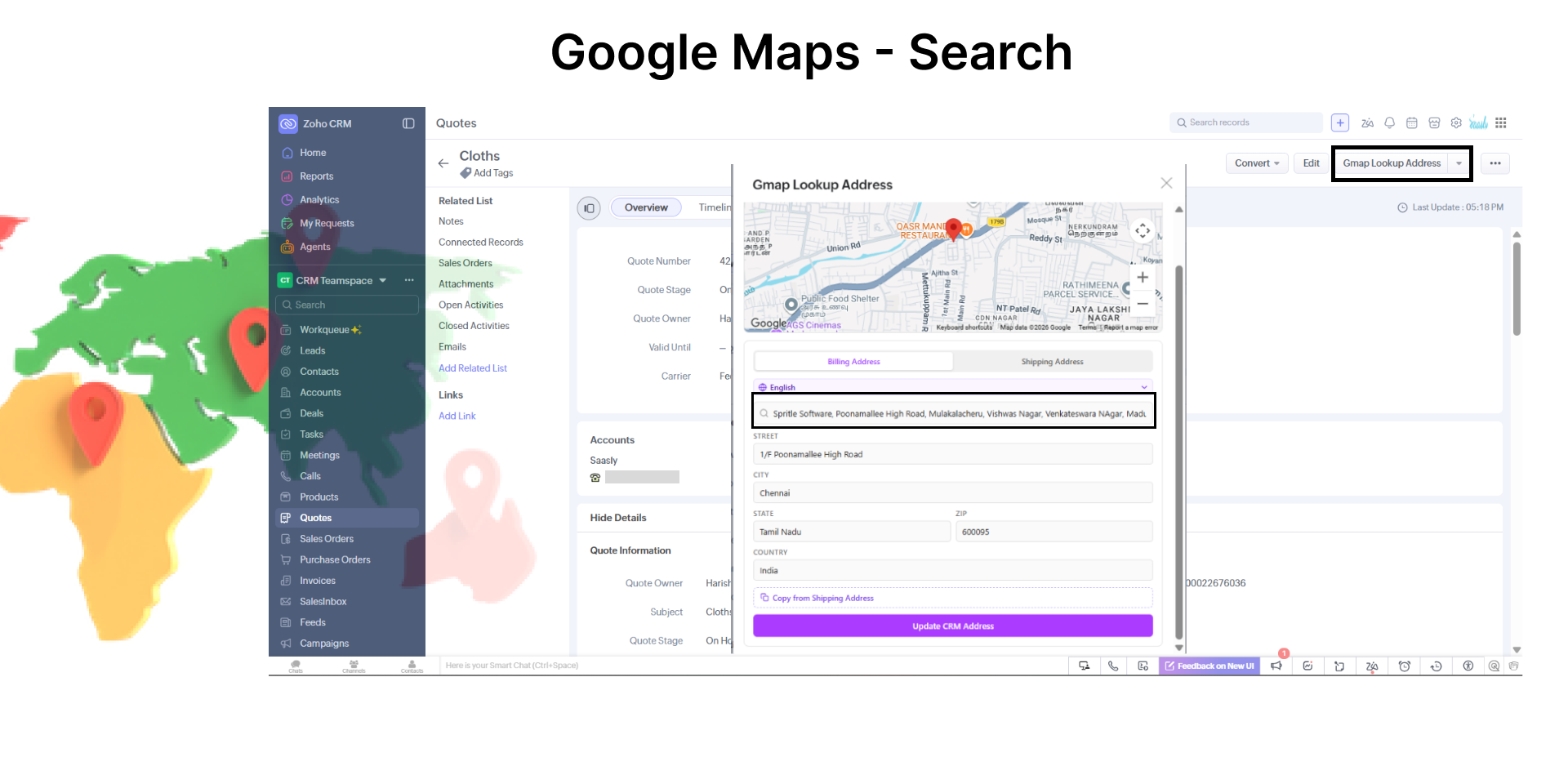
- Search for an address or choose a location from the map.
- The address fields will be automatically populated.
Supported Modules
- Leads
- Contacts
- Accounts
- Quotes
- Sales Orders
- Purchase Orders
Supported Address Fields
Leads
- Street
- City
- State
- Zip Code
- Country
Accounts
Billing Address
- Billing Street
- Billing City
- Billing State
- Billing Code
- Billing Country
Shipping Address
- Shipping Street
- Shipping City
- Shipping State
- Shipping Code
- Shipping Country
Contacts
Mailing Address
- Mailing Street
- Mailing City
- Mailing State
- Mailing Zip
- Mailing Country
Other Address
- Other Street
- Other City
- Other State
- Other Zip
- Other Country
Quotes, Sales Orders & Purchase Orders
Billing Address
- Billing Street
- Billing City
- Billing State
- Billing Code
- Billing Country
Shipping Address
- Shipping Street
- Shipping City
- Shipping State
- Shipping Code
- Shipping Country
API Usage
View API usage and billing information from your Google Cloud Console.