

Back

Google My business - Multiple Account
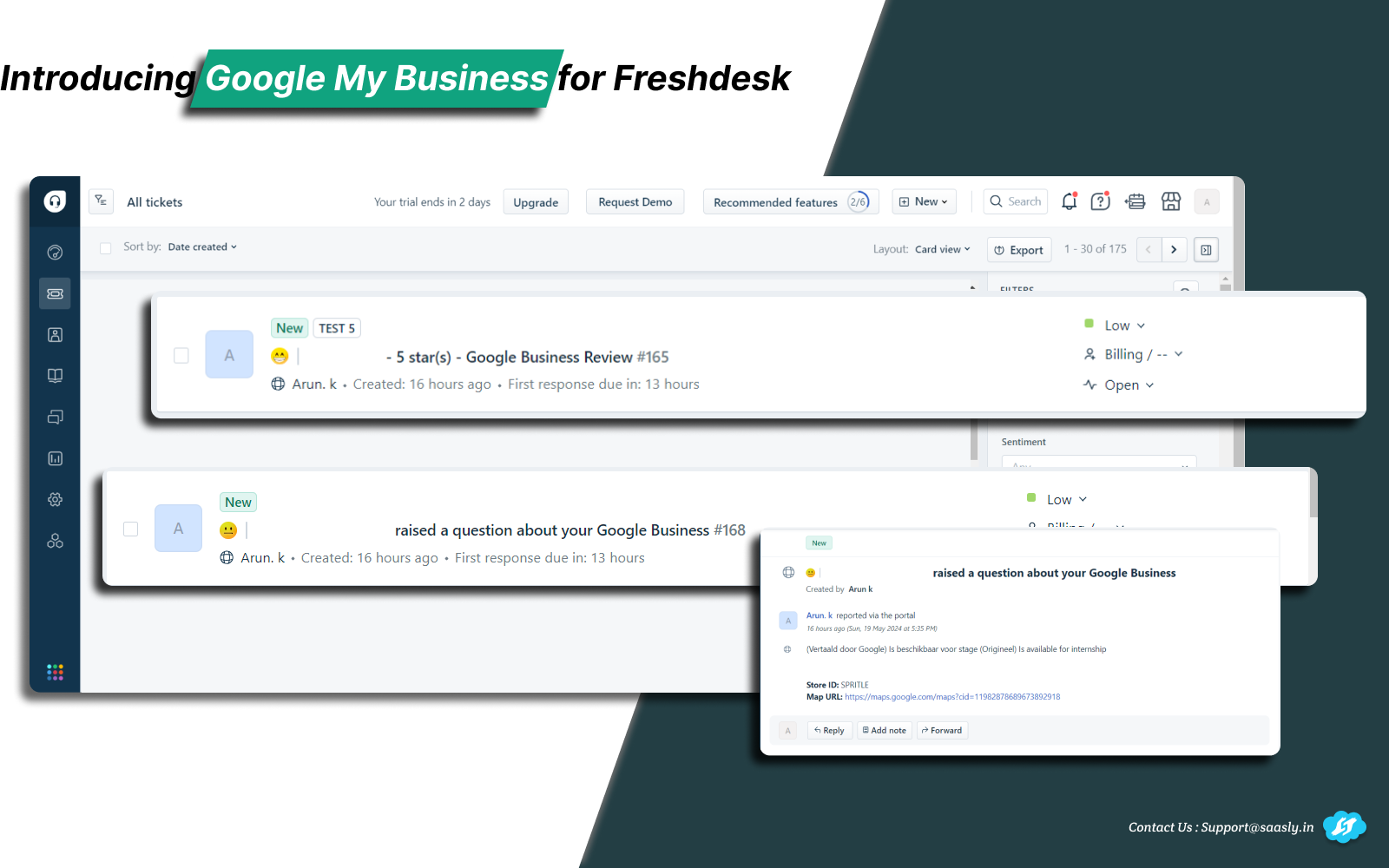
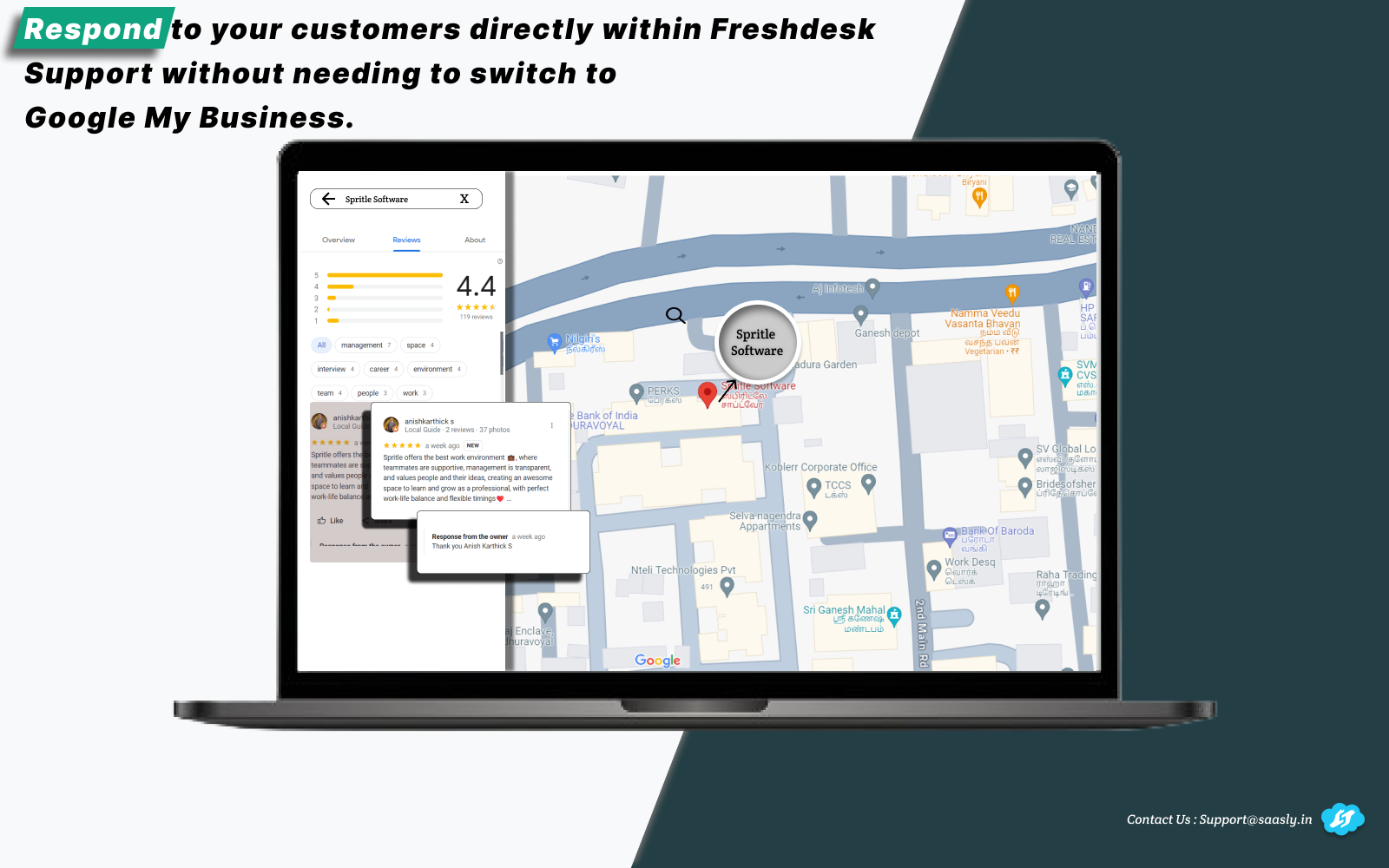
Integrate and respond to your Google Business Reviews and Questions directly from Freshdesk.
PAID
Visit to InstallVerified App
Install Guide:
Prerequisites:
- Create a custom Ticket field of type Single line text for mapping fields.
- Create a custom Ticket field of type Dropdown with label review_type and add below options
- Google Review
- Google Question
After clicking the install button
- Validate the Freshdesk admin credentials.
- Click the Configuration tab.
- Complete the Ticket Creation process, including Mapping Fields and mandatory fields.
- Click the Save button.
Click the Google Account tab:
- Click Add Account which will prompt to Google Oauth select the respective Google account (Note: The account should be a business-verified account and an admin role is mandatory).
- Once the account has been added, click the Enable button to start the ticket creation process (Enable the Create option available in the Edit section).
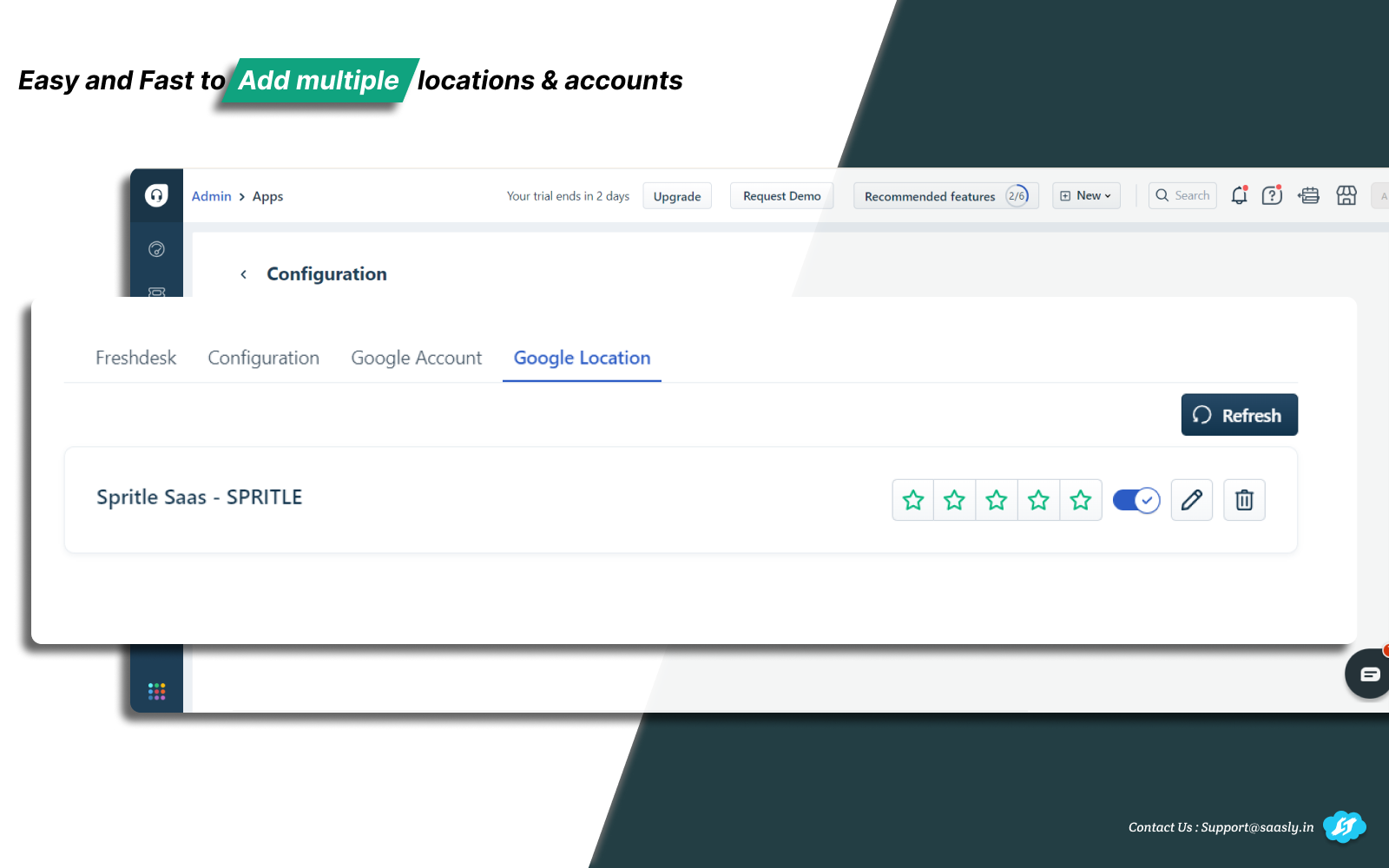
Click the Location tab:
- Click the Enable button, and configure the star ratings.
- The tickets will be created based on the configured star ratings
- Click the Install button to complete the installation process.
Demo Video:
Screenshot 1:
Screenshot 2:
Screenshot 3:
Contact us : For Demo and Support contact us Via Ticket link
About Us :
Saasly is an iPaaS company specializing in crafting plugin applications and integrations tailored to your business requirements. Be sure to visit our website for more information!