Back

Catch
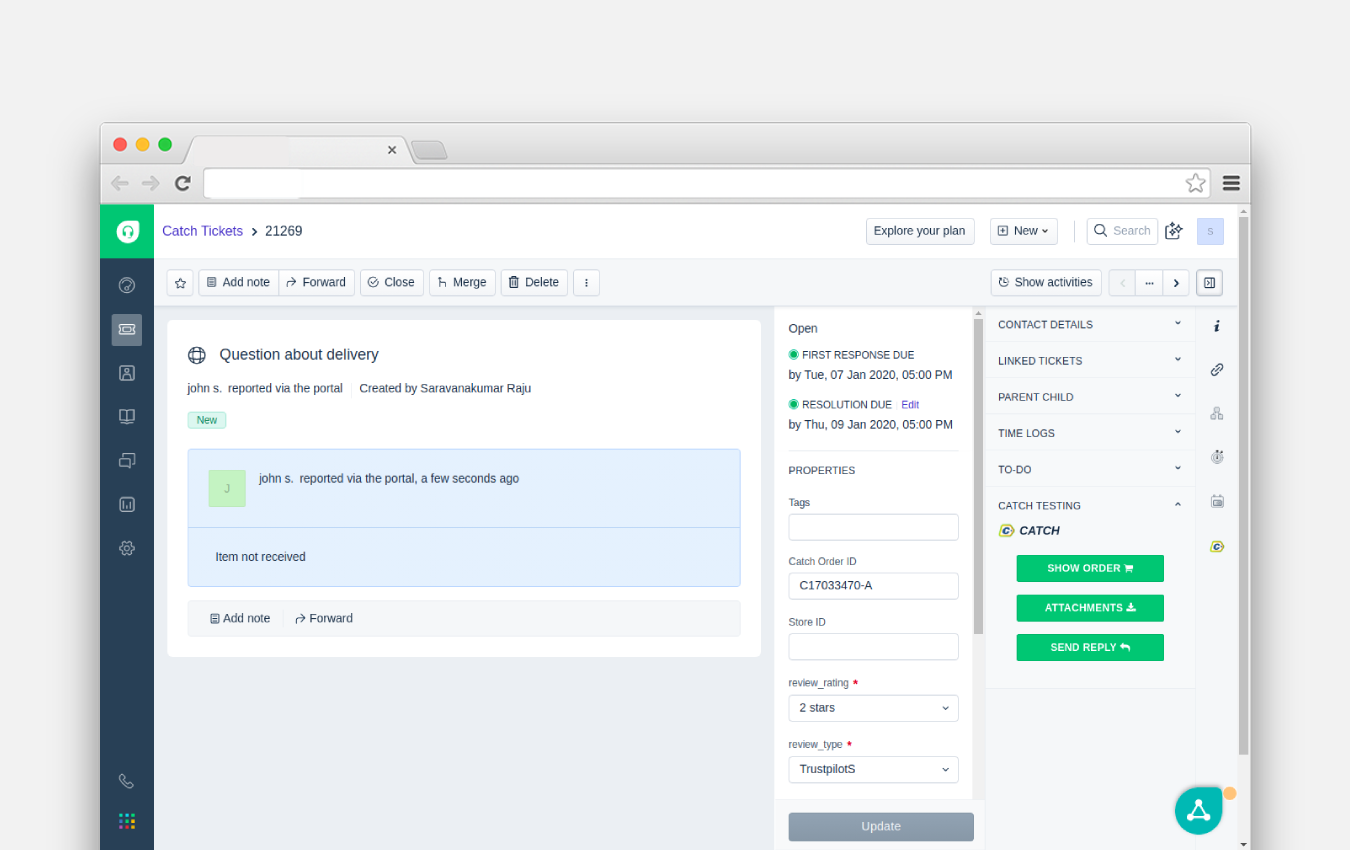
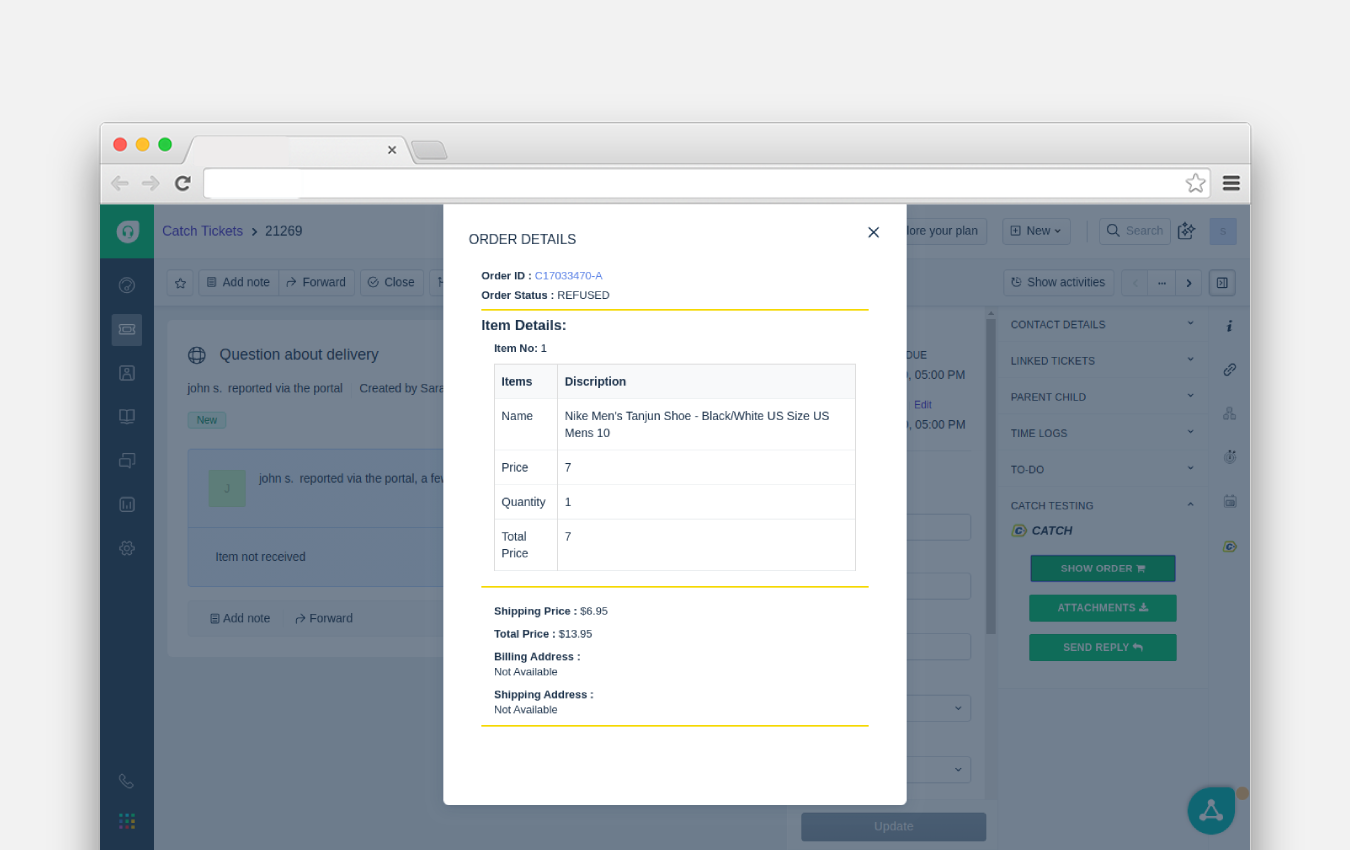
Stay up to date on any Catch order queries, and reply to those questions instantly from Freshdesk
FREE
Visit to InstallVerified App
How to Install?
Please follow the below steps to install the app.
- Create a Ticket field with the "Catch OrderID" name.
- Add the "Question" option in the Ticket Type field.
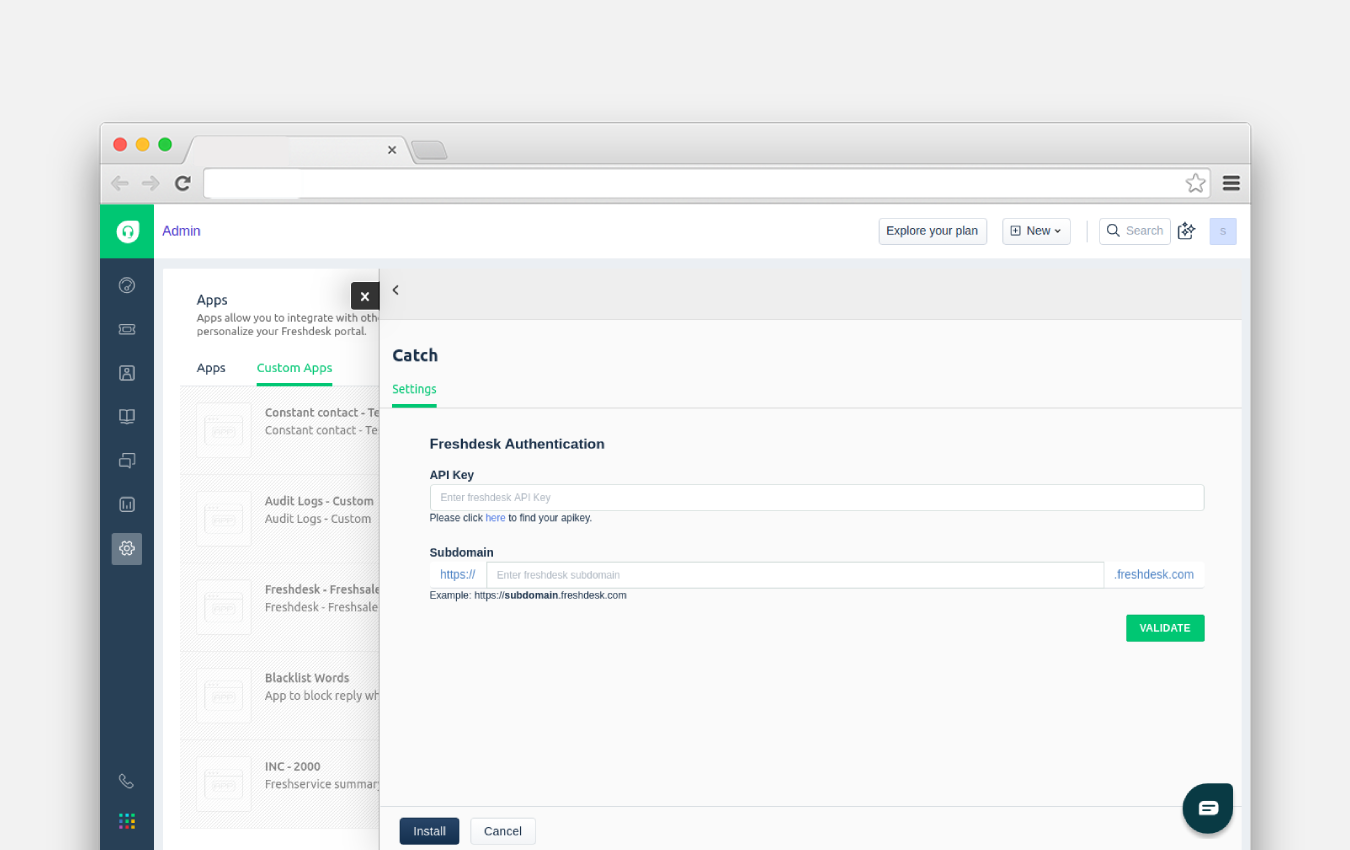
- Enter your Freshdesk API key, Subdomain, and click the Validate button.
- Then enter the https://catch-middleware.spritle.com in the middleware URL field.
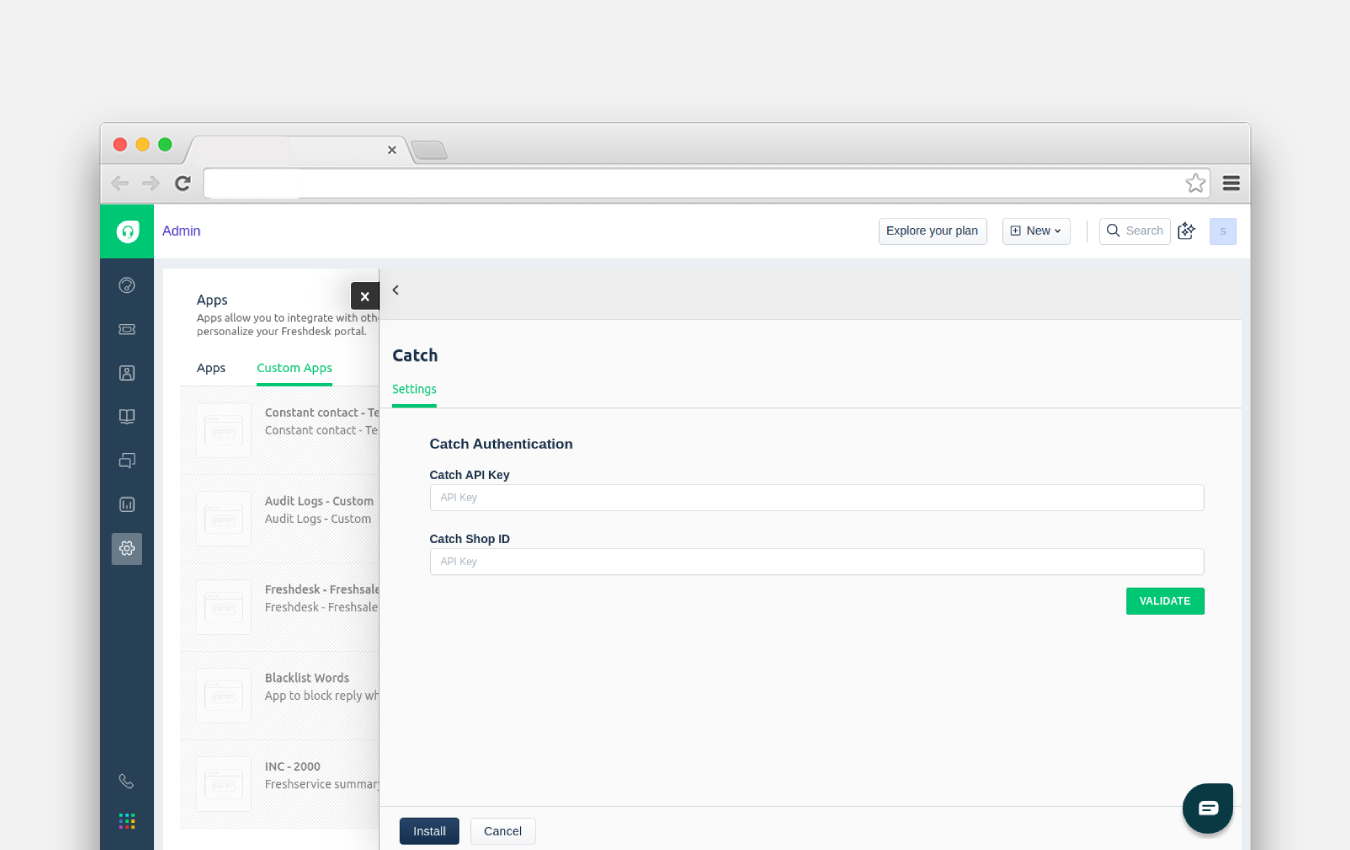
- Enter your Catch API key, Catch Shop ID, and click the Validate button.
- Now you will have the custom ticket fields page where you have to set values to your mandatory custom ticket fields if you have any.
- If you don't have any just click install and you are good to go.