Back

Attachments Viewer
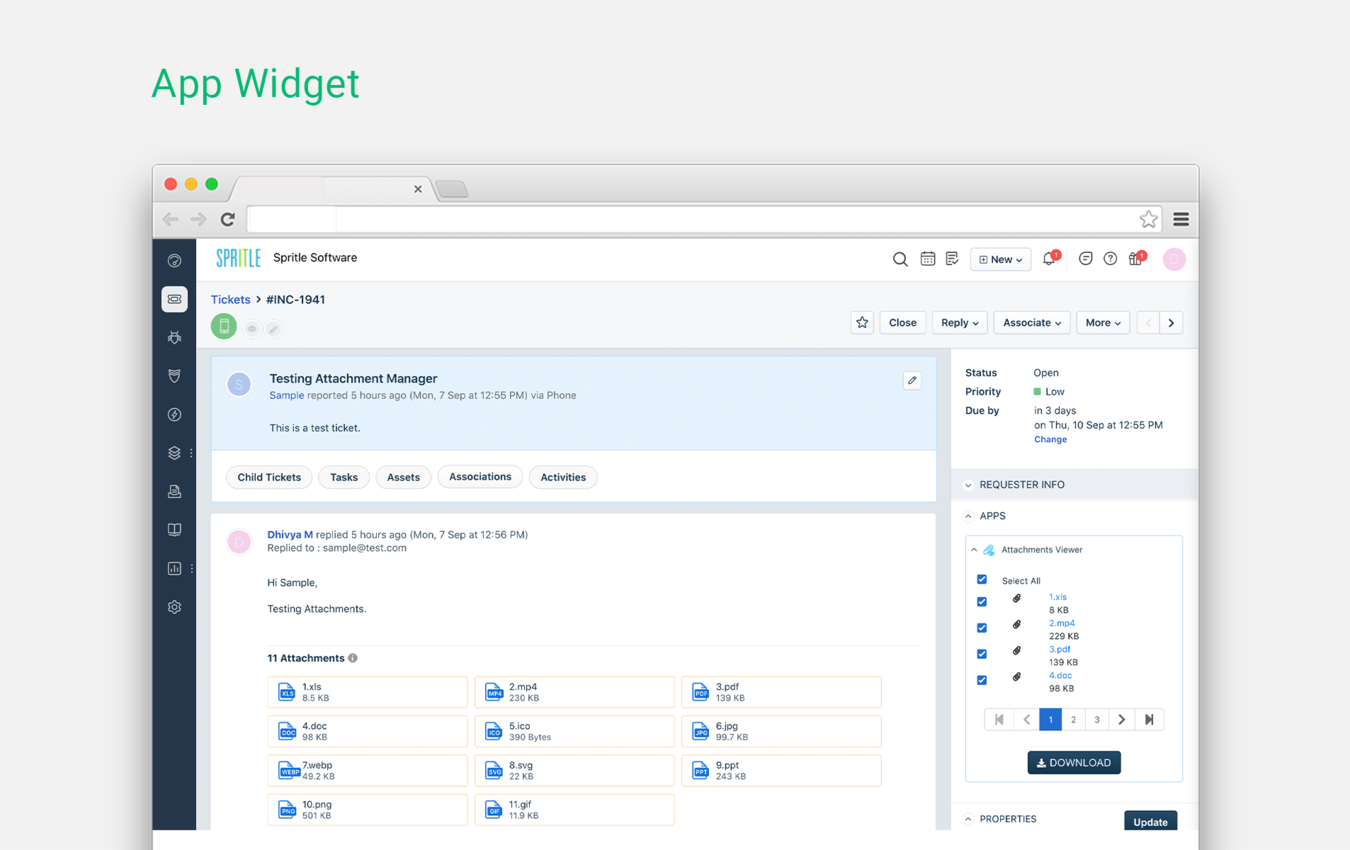
Have complete access over all the ticket attachments with this Attachments Viewer widget
FREE
Visit to InstallVerified App
How to Install?
After clicking the Install button,
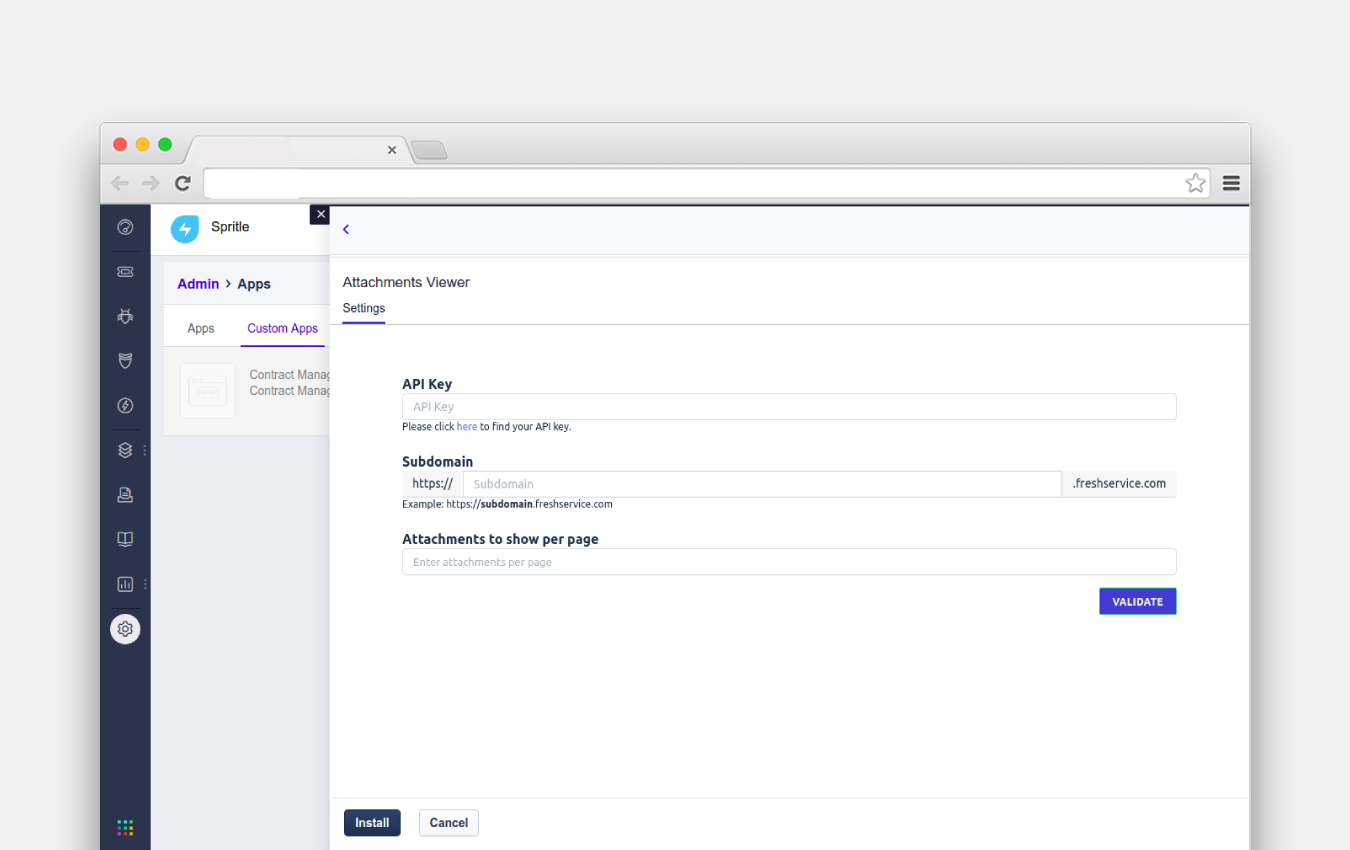
- On the Settings page, enter your Freshservice subdomain and API key for authentication.
- Admin can enter the number of attachments to be displayed in the app widget.
- Next, click the Install button.
You are now good to go!
NOTE:
- If you are downloading multiple attachments at once for the first time from the Attachments Viewer(ticket sidebar) application. It will download only one attachment, If you are experiencing the same problem, please ensure that you have enabled the Pop-up option in your browser settings. Refer to the link below to enable the Pop-up option.
https://support.google.com/chrome/answer/95472?hl=en+