Back

Kanban Board by saasly
Turn Zendesk ticket queues into configurable Kanban boards, and move, update and reply to tickets without leaving the board.
PAID
Visit to InstallVerified App
Short Description:
Turn Zendesk ticket queues into configurable Kanban boards, and move, update and reply to tickets without leaving the board.
Description :
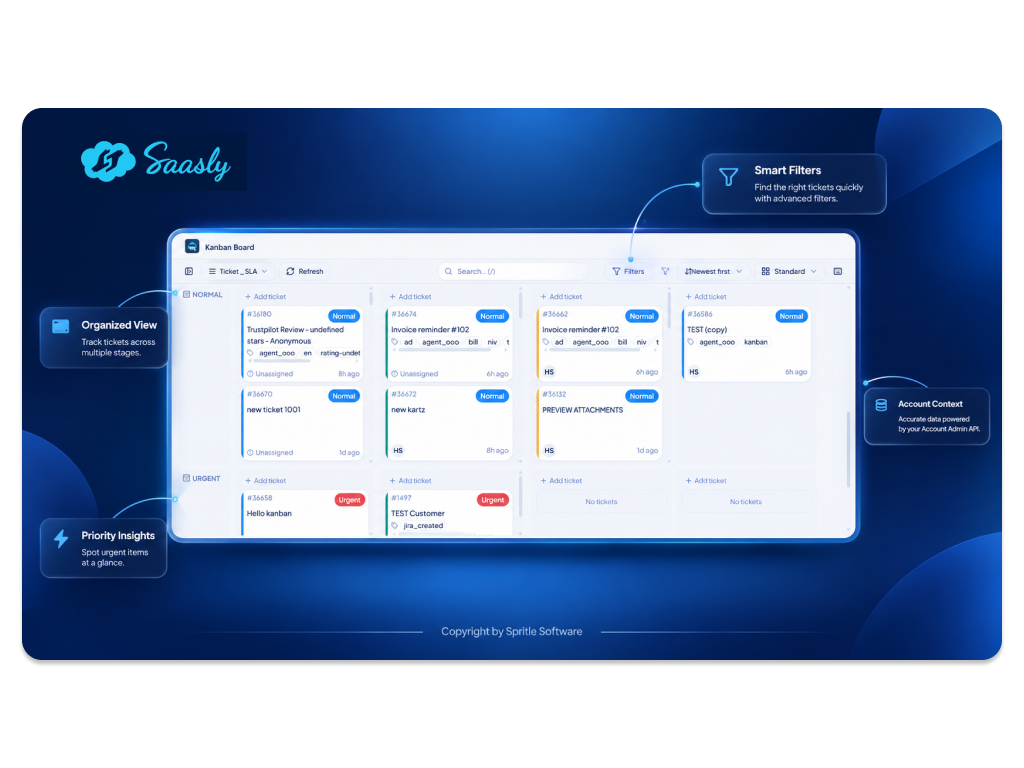
Kanban Board by Saasly is a Zendesk navigation-bar app that gives agents a visual workspace where they can manage tickets, update statuses, assign agents, respond to customers, and monitor workloads without repeatedly navigating away from the board.
Key Features:
- Drag a card to change a ticket's status, assignee, priority, or custom field — the change is saved to Zendesk without opening the ticket. If an update fails, the card returns to its original position and an error is shown
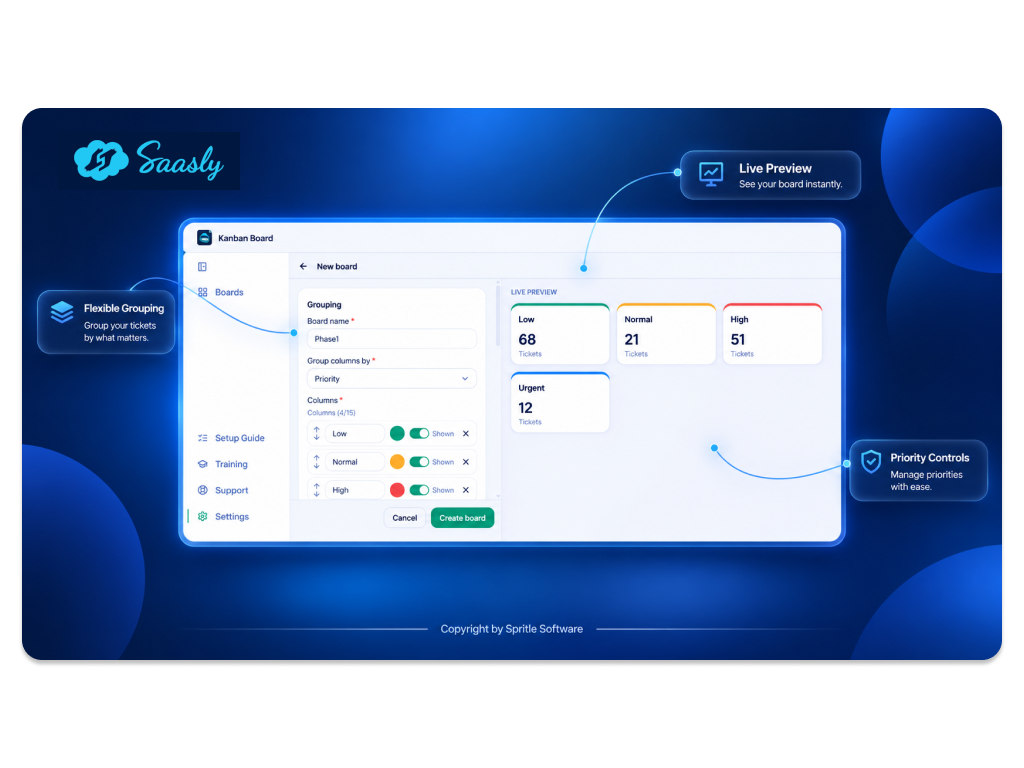
- Group boards by status, assignee, group, priority, type, tags, a custom field, or ticket age/due window (Created at / Updated at / Due by), with optional swimlanes for a second dimension
- Select, order, and limit columns (up to 15), and save up to 10 boards, each either Private or Shared with other agents
- Filter by agents, groups, organizations, tags, priority, and Created/Updated/Due dates, using a relative preset or a custom calendar range, with Overdue / Not-overdue / due-in-N-days categories. Pin the active filters as the board's default
- Ticket detail panel beside the board: read the conversation, preview attachments, write a public reply or internal note with optional attachment upload, and edit ticket properties
- Create a new ticket directly from a column or swimlane cell, landing in that exact cell
- Ticket cards show ID, subject, requester, assignee, priority, tags, and updated time
- Per-column and per-lane ticket counts to spot overloaded agents and stuck tickets
- Manual refresh with an auto-refresh indicator, keyboard shortcuts, and a light/dark theme toggle
- Duplicate, edit, or delete boards from Settings
- Admin controls for role access, refresh interval, and whether board creation is Admin-only or open to all Agents
Benefits:
- Update tickets quickly from a visual view
- Respond to customers without leaving the board
- See team workload at a glance, and reassign tickets by dragging cards between assignee lanes
Requirements:
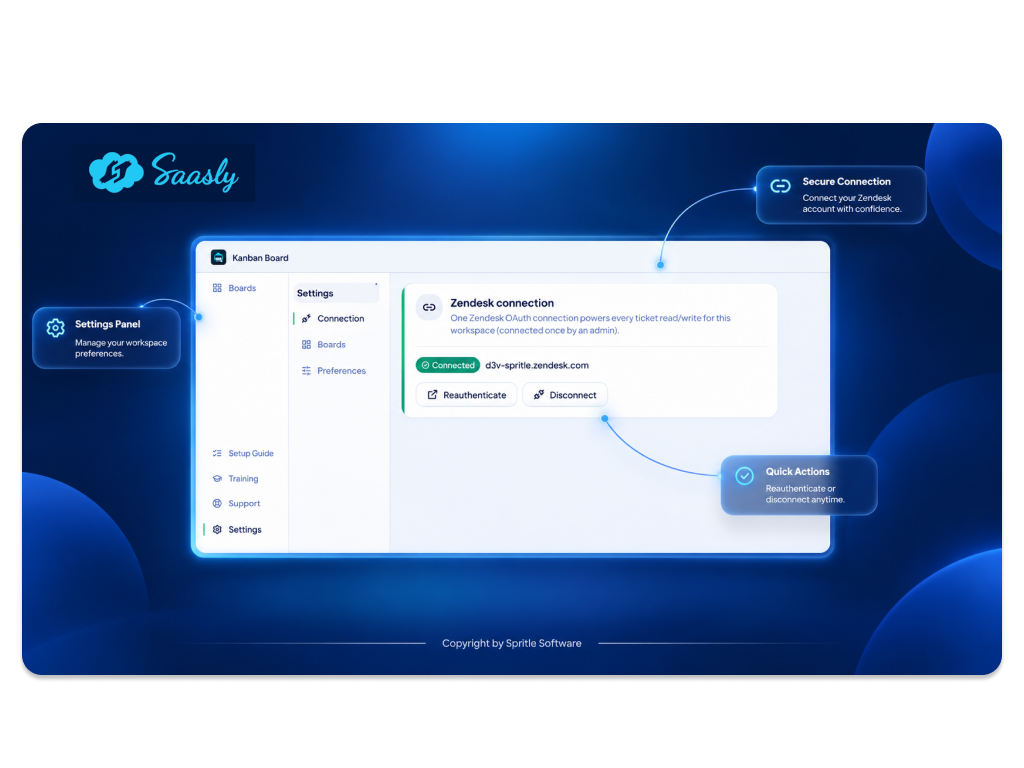
- Zendesk Support account with OAuth connection (set up in Settings by an Admin)
App Screenshots: