Back

Asana by Saasly
Seamlessly sync Freshdesk tickets with Asana to enhance team productivity.
PAID
Visit to InstallVerified App
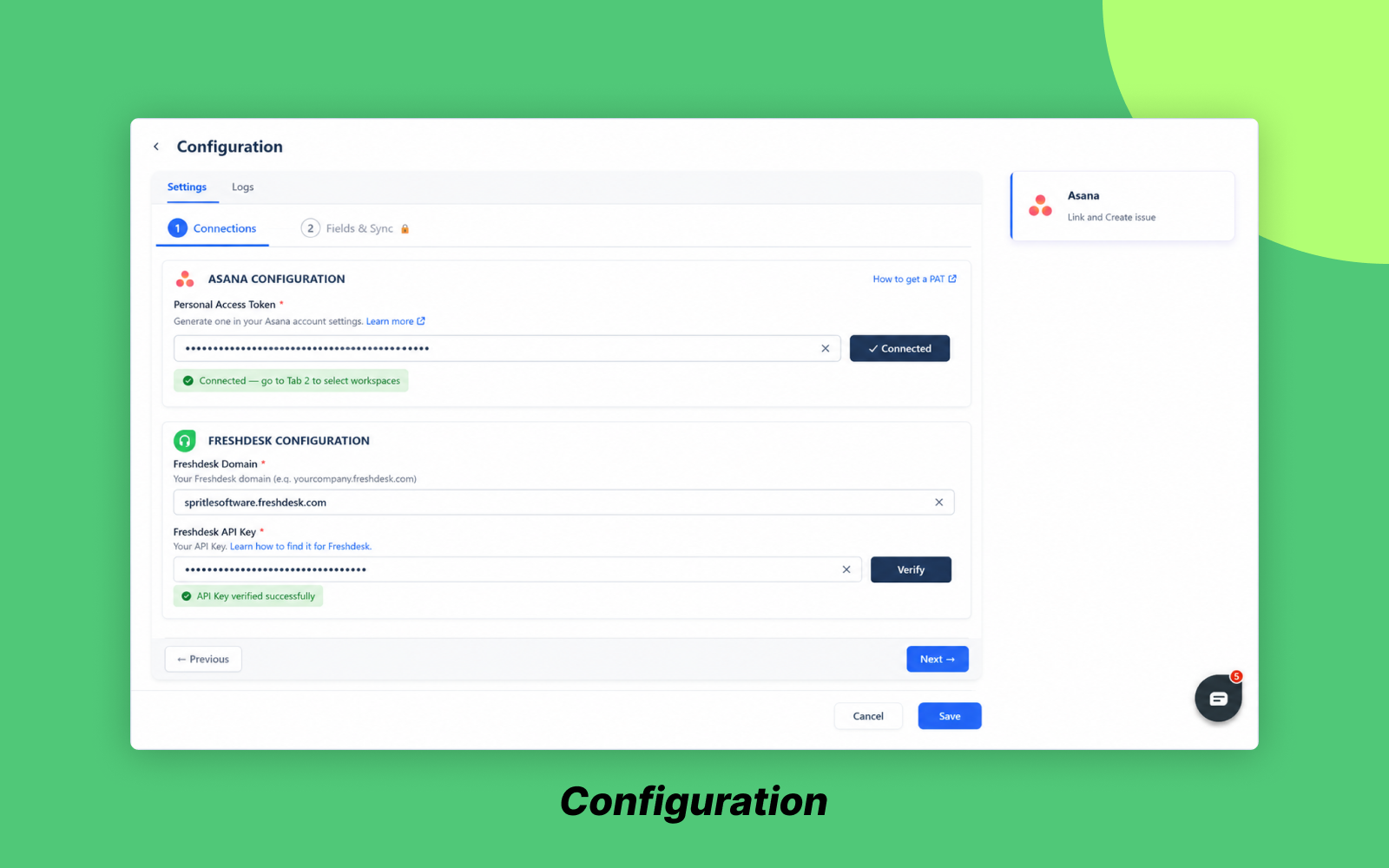
Support teams often face significant challenges due to the disconnect between ticketing systems and project management tools, leading to wasted time and miscommunication. The Freshdesk–Asana Task Sync App addresses these issues by providing a seamless integration that enhances collaboration between support and product teams.
Key Features:
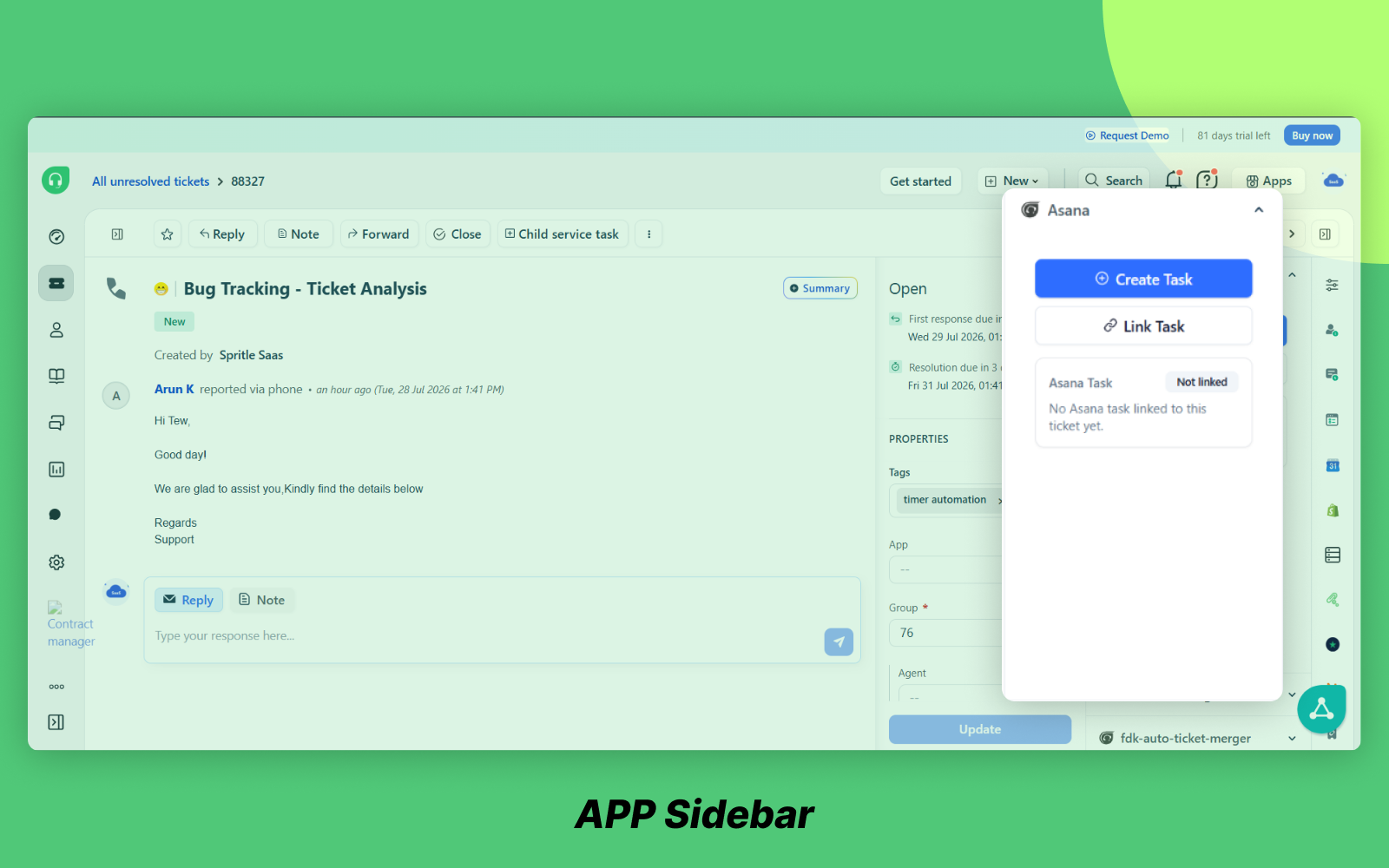
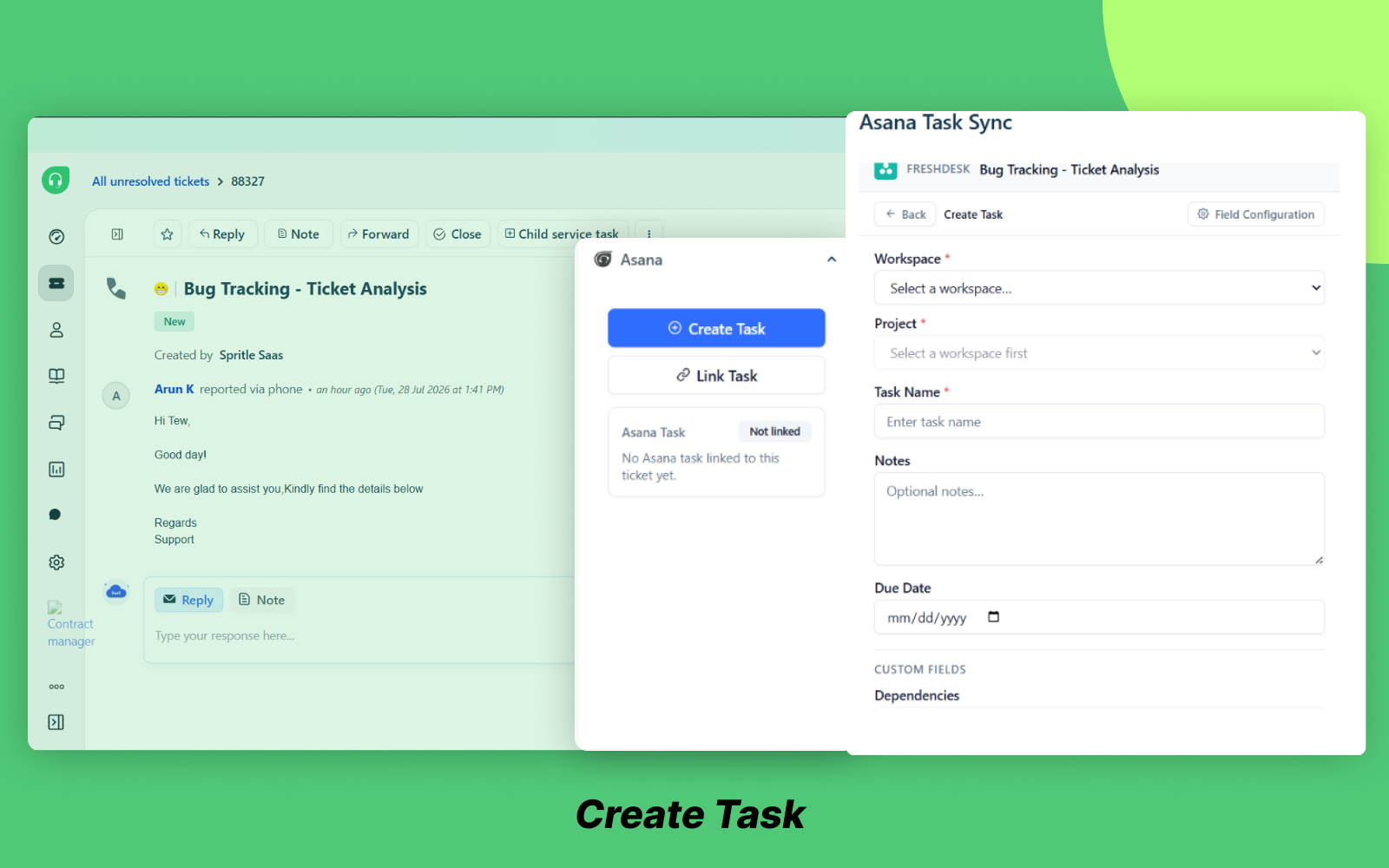
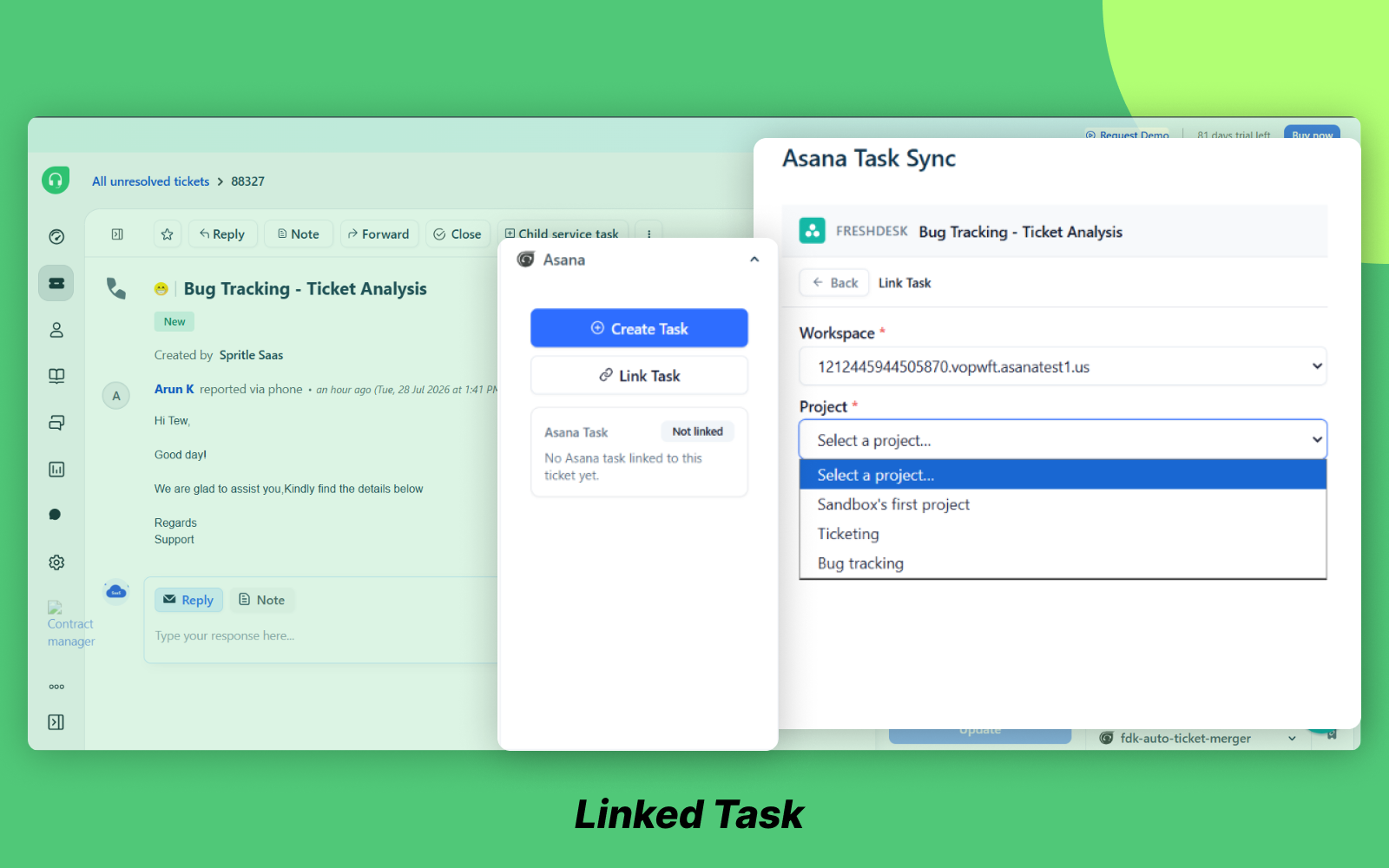
- Create & Link: Utilize a user-friendly sidebar modal to establish pre-filled Asana tasks or directly link existing tasks to Freshdesk tickets, facilitating easier task management.
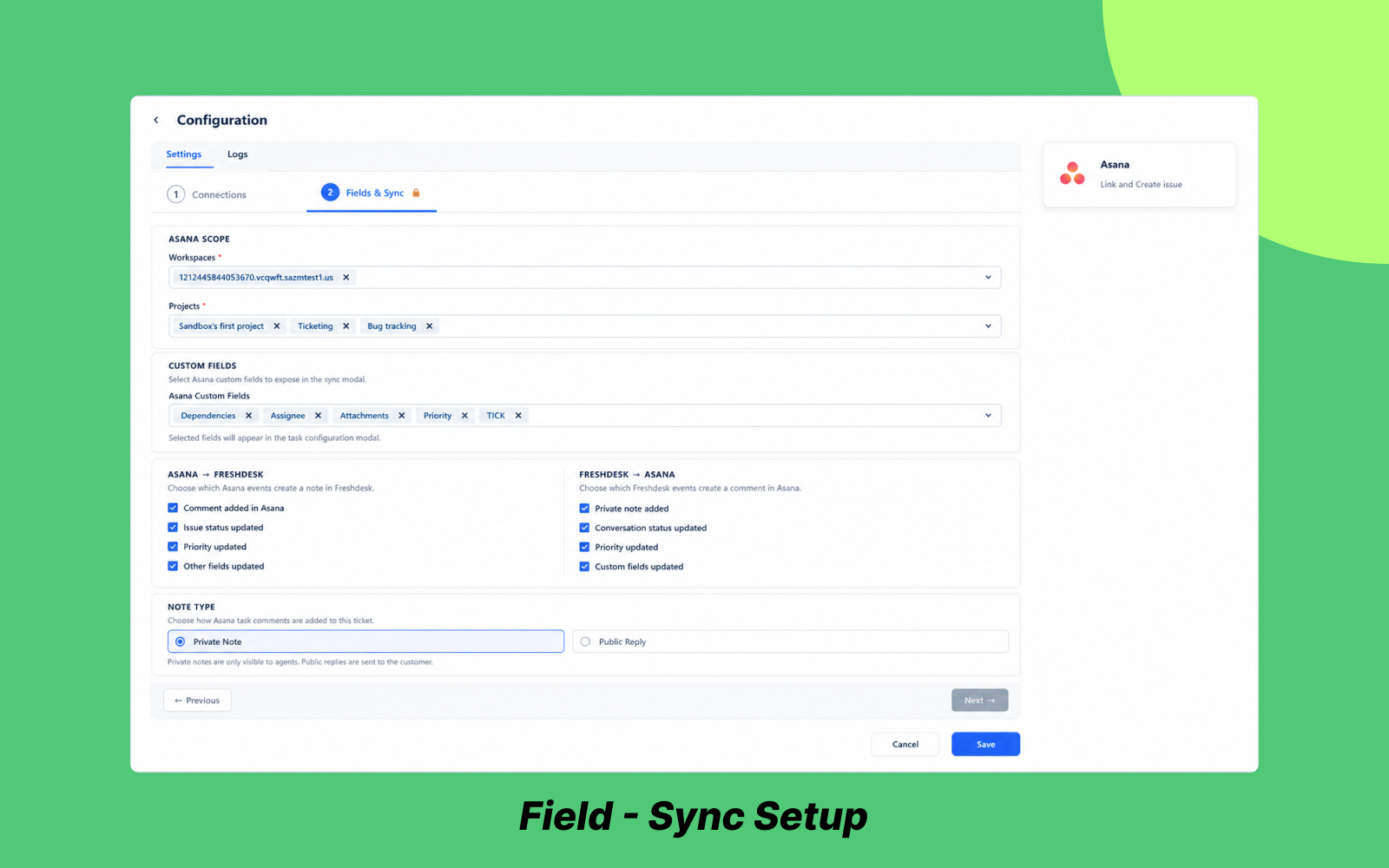
- Two-Way Sync: Ensure that ticket comments and updates are automatically synced to Asana as private notes, allowing for consistent communication between platforms.
- Attachment Transfer: Automatically attach files from Freshdesk tickets to linked Asana tasks, eliminating the need for manual transfers and ensuring all relevant information is easily accessible.
- Smart Loop Guard: Benefit from a 30-second echo-suppression window that prevents duplicate sync cycles, maintaining the integrity of your task lists.
- Automated Webhooks: Enjoy a self-healing lifecycle that auto-registers, performs health checks, and maintains webhooks without any need for manual upkeep.
Advantages:
- Eliminate Context Switching: Empower agents to manage escalations directly within Freshworks, improving efficiency and reducing distractions.
- Zero Duplicate Entry: Experience automated task creation and synchronization that significantly reduces manual data entry errors, streamlining your workflow.
- Real-Time Alignment: Receive instant status updates on both platforms, ensuring that all team members remain informed and aligned throughout the resolution process.
Take the next step towards enhancing your team's productivity by installing the Freshdesk–Asana Task Sync App today. Transform your ticket management process and watch as your team's collaboration and efficiency improve dramatically.
Images